.png)
OpenAI released its latest technology, the ChatGPT agent, on July 17, 2025. The ChatGPT agent mode not only automates repetitive tasks but also offers real-world use cases. The ChatGPT agent is ideal for easing the workload of both individual and professional users and assisting them. The ChatGPT agent accurately completes complex tasks by breaking them down into actionable steps using a virtual computer. For example, if you ask the ChatGPT agent to "Book a dinner nearby," the agent will check your location, available restaurants, and booking options individually to complete the process. If you're interested in the ChatGPT agent and wondering how to access it, we've got you covered!
In this article, we'll explain what the ChatGPT agent is and how you can access it!
Ready?
Let's dive in!
TL; DR
- ChatGPT agent mode is an AI agent developed by OpenAI that can successfully complete complex tasks and has real-world application areas.
- ChatGPT agent operators work with a combination of three technologies: deep research and ChatGPT.
- To access the ChatGPT agent, you must first purchase the Plus or higher OpenAI subscription.
- To access the ChatGPT agent, you can activate "agent mode" from the chat settings at any stage of the conversation.
- If you're looking for an AI agent to automate your company workflow, TextCortex is the way to go, with its knowledge bases, workflow automation, multiple LLMs, web search, and powerful RAG.
What is ChatGPT Agent Mode?
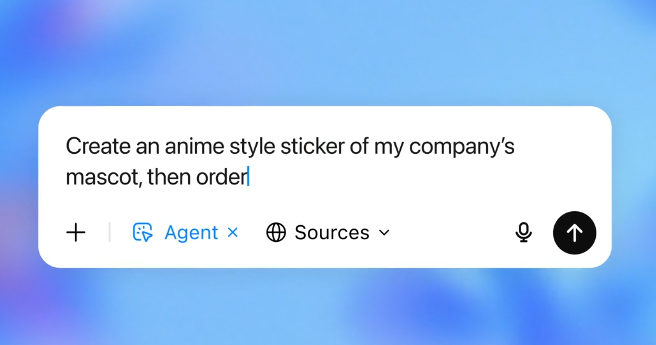
ChatGPT agent mode is an AI agent developed by OpenAI and designed to automate complex tasks or meet the complex needs of users. ChatGPT Agent mode offers users real-world tasks beyond just digital ones. For example, you can create a route rotation, plan a trip, or order a meal with the ChatGPT agent.
ChatGPT agent mode offers a variety of uses for both individual and professional users. Company users can automate repetitive and monotonous tasks through ChatGPT agent mode. For example, instead of manually completing the monthly financial report analysis task, you can use ChatGPT agent mode to systematize it.
ChatGPT agent mode also offers real-world use cases for individual users. For example, if you're learning a new language or have a topic you need to research, you can set ChatGPT agent mode as your language tandem partner or research partner. Furthermore, with ChatGPT agent mode, you can complete tasks like "prepare and order ingredients for a caramel coffee recipe for four people." ChatGPT agent mode analyzes and sorts the necessary ingredients for your prompt and delivers them to your home. The best part about the ChatGPT agent is that the payment process isn't completed without user approval!
How Does ChatGPT Agent Mode Work?
ChatGPT agent mode analyzes the submitted tasks via a virtual computer and completes stages such as research and generation. The ChatGPT agent works by combining the previous three OpenAI technologies. The first of these technologies is the operator, which has the ability to communicate with and browse websites. Using this technology, the ChatGPT agent can browse websites, mobile apps, and applications. The second technology used by the ChatGPT agent is deep research technology, specializing in tasks such as information synthesis, data analysis, and data processing. Finally, the ChatGPT agent mode generates output using the ChatGPT model, powered by OpenAI's large language models.
Advantages of ChatGPT Agent Mode
ChatGPT agent mode is a technology that opens doors to new opportunities and offers new uses. With ChatGPT agent mode, you can automate repetitive tasks, complete complex tasks, and outsource your personal or professional tasks. Core advantages of ChatGPT agent mode include:
- Time Saving
- Efficiency
- Wallet-Friendly
- Automation
- High-Quality Content Generation
- Real-World Impact
How to Access ChatGPT Agent Mode?
If you're interested in ChatGPT agent mode and want to experience its capabilities, there are a few ways to access it. Because ChatGPT agent is a new OpenAI technology, it hasn't yet gained widespread adoption or integration. Therefore, while its access options are limited, it does offer some hands-on experience. Let's explore how to access the ChatGPT agent!
Using ChatGPT Agent Mode via ChatGPT
The easiest and most effective way to access ChatGPT agent mode is through a ChatGPT AI chatbot. To access agent mode via ChatGPT, you must first purchase one of OpenAI's paid subscriptions. The OpenAI Pro plan allows for 400 ChatGPT agent messages per month, while Plus and other subscription levels support 40 messages.
After purchasing one of OpenAI's paid subscriptions, you must activate ChatGPT agent mode by:
- Opening the ChatGPT web application
- Enabling "Agent Mode" in the Chat Settings
- Entering the detailed prompt
This method allows you to start using ChatGPT agent mode and take advantage of its advanced capabilities.
Accessing ChatGPT Agent via API
Another way to access the ChatGPT agent is to use it as an API. To use the ChatGPT agent as an API, you can visit OpenAI's official website and generate your API key. Using the ChatGPT agent as an API incurs a fee for each generation. You can create your own applications and AI tools with the ChatGPT agent API.
How are Businesses Using ChatGPT Agent?
Businesses are organizations with repetitive and dynamic workloads. ChatGPT agents can automate many tasks to alleviate the massive repetitive workload of businesses. Furthermore, ChatGPT agents are effective in tasks such as data analysis, code generation, and finance because they possess state-of-the-art coding, reasoning, and math skills.
ChatGPT is also useful for agent managers to track employee performance and create custom workflows for employees. Furthermore, managers can rely on ChatGPT for tasks like data analysis and report writing. As a manager, instead of wasting time on tasks like meetings, email writing, and report writing, you can have them completed by the ChatGPT agent and focus on the more critical aspects of your business.
However, ChatGPT isn't the only AI agent on the market; there are alternatives like TextCortex that offer more effective solutions for businesses.
TextCortex: The Only AI Agent You Need
If you're looking for an AI agent framework that offers features like multiple LLMs, knowledge bases, web search, and seamless integrations to automate your company workflow, TextCortex is the solution for you. TextCortex offers solutions to automate users' custom workflows and boost their productivity.
TextCortex offers a variety of features for both your company and your employees. These features allow your employees to work more efficiently and complete company tasks like knowledge management much more easily.
Let's break it down!
TextCortex Seamless Integrations
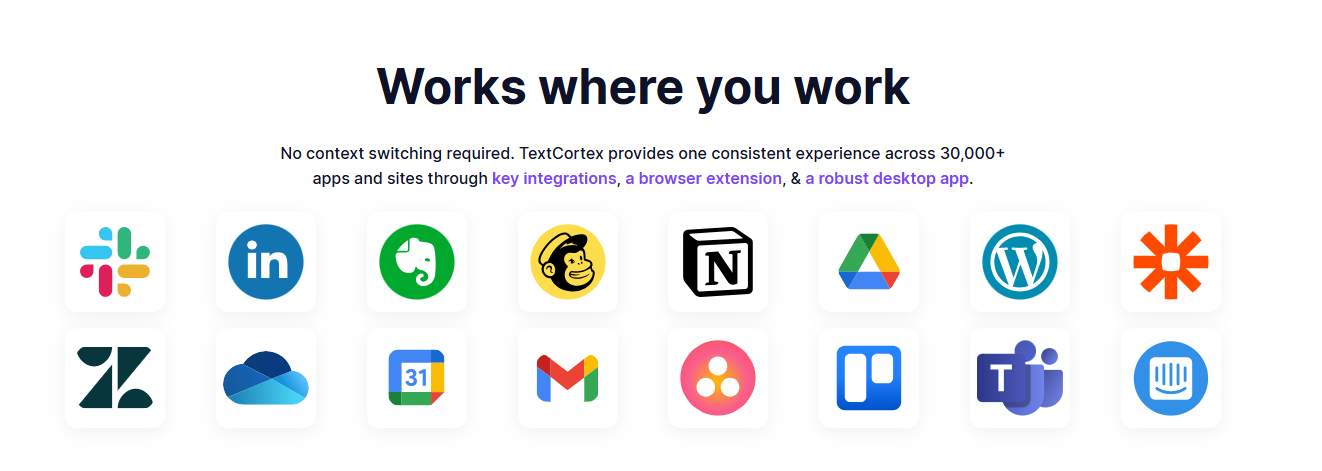
TextCortex offers integrations with 30,000+ websites and apps including Gmail, Google Docs, Pages, Notion, and Slack to be with its users anytime, anywhere. With TextCortex, you can continue working without having to switch tabs, thus saving time and energy. In other words, TextCortex aims to provide you with the best experience by adapting to your working style, pace, and needs.
TextCortex Knowledge Bases
TextCortex offers knowledge bases for individual and team users where they can store all their internal data and use it with various AI features. Using our knowledge bases, you can organize, share, and analyze your internal data, use it to generate insights, and use it to create new knowledge. TextCortex provides a powerful RAG upgrade with knowledge bases that allow you to generate output for multiple LLMs using specific knowledge sources.
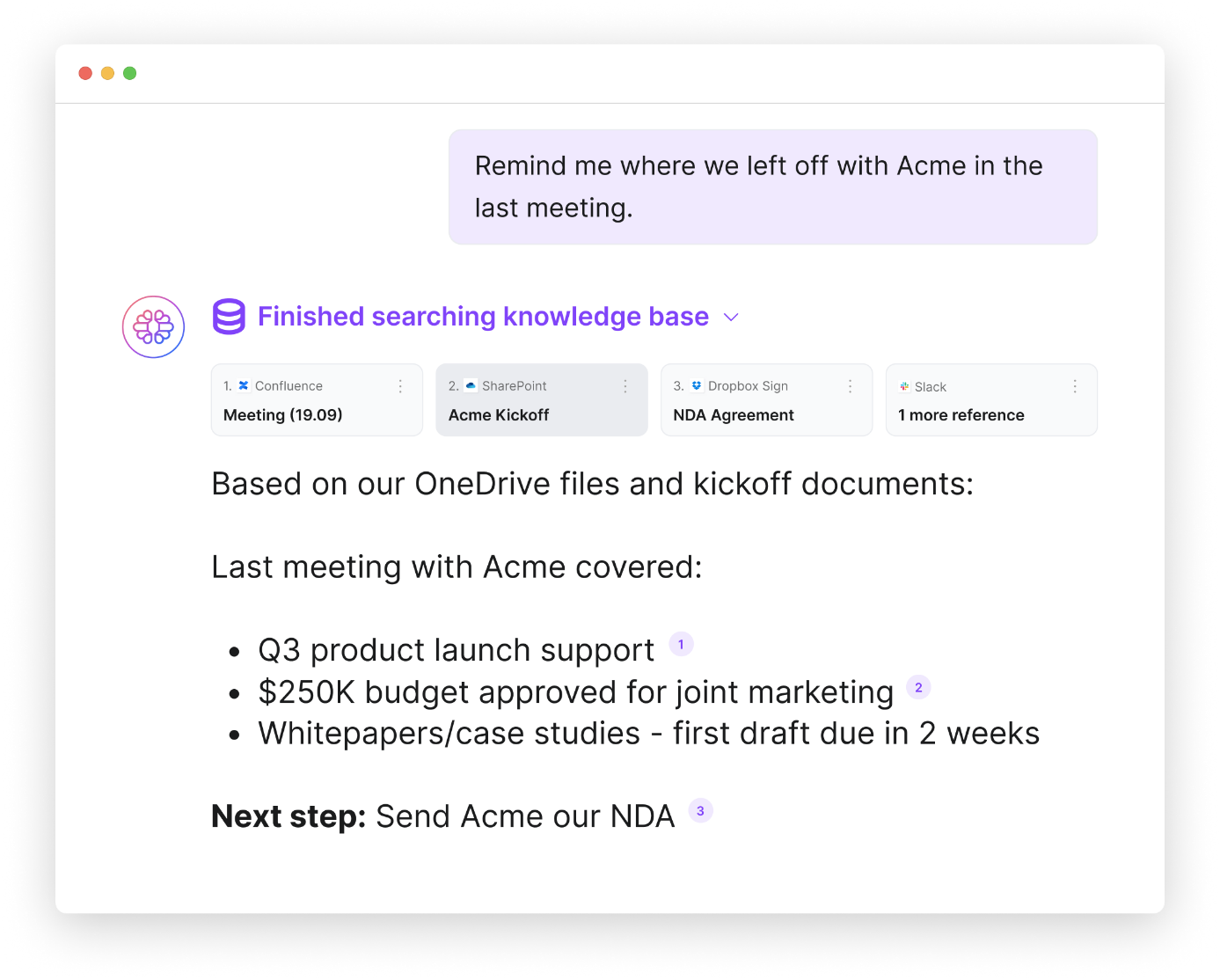
You can manually upload your data and documents to TextCortex knowledge bases or connect your existing knowledge sources such as Microsoft OneDrive, Google Drive, and Notion with a single click. Moreover, you can organize your documents and internal data by creating knowledge base files.
TextCortex Workflow Automation
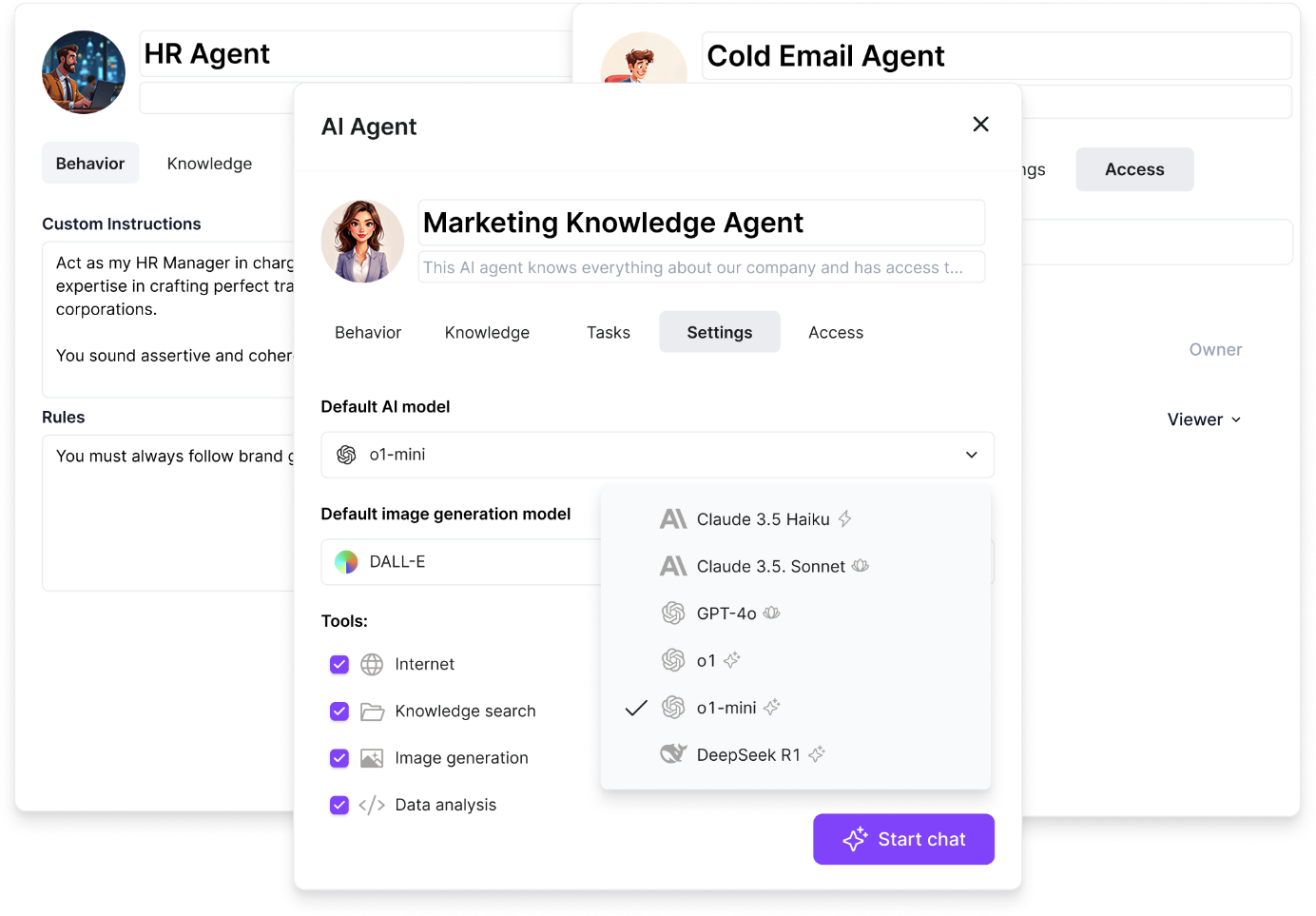
TextCortex offers automation of repetitive and monotonous tasks to all its users, including enterprises. With TextCortex AI agents, you can automate any repetitive workflow of your business and save time! TextCortex AI agent works integrated with your knowledge base and can complete tasks using your internal data. For example, using the TextCortex AI agent feature, you can build an assistant that will automate HR manager tasks and help you save time.
Writing Assistance
If you need to create documents frequently or want to make your enterprise documents compelling, contextual, well-organized, and error-free, then TextCortex writing assistance is designed for you. Our writing assistance stabilizes your brand voice and ensures consistency in all your written documents.
Frequently Asked Questions
Is the ChatGPT Agent free?
ChatGPT agent is not a free OpenAI technology. To access the ChatGPT agent, you need an OpenAI Plus subscription or higher.
How do I get access to ChatGPT Agent?
To access the ChatGPT agent, simply purchase one of the OpenAI subscriptions. You can then activate agent mode in the chat settings at any stage of the conversation.
How much does ChatGPT agent cost?
ChatGPT agent is available for all subscription levels from Plus and above. This means you must pay at least $20 to access the ChatGPT agent.
.png)
.png)
.png)