.png)
Knowledge management is essential for keeping teams productive and informed. When employees have quick access to up-to-date information, they can focus on their tasks or stay current with the latest updates. One tool that simplifies knowledge management tasks and helps you keep your entire team informed is Glean AI. In addition to knowledge management, Glean offers AI features that lighten your employees' workload and increase your business's productivity. If you're unfamiliar with Glean and are looking for more information, we've got you covered!
In this article, we'll explore what Glean AI is and its features.
Ready?
Let's dive in!
TL; DR
- Glean is an AI tool designed for knowledge management and information retrieval for organizations.
- Glean AI offers users AI-powered knowledge search, making it easier for them to access internal information.
- With Glean Agents, you can build systems that automate your workflows and tasks.
- Glean AI easily completes tasks such as data analysis and document summarization with its advanced AI tools.
- If you're looking for a better alternative to Glean AI, with its multiple LLMs, knowledge bases, AI agents, and powerful RAG, TextCortex is the way to go.
What is Glean?
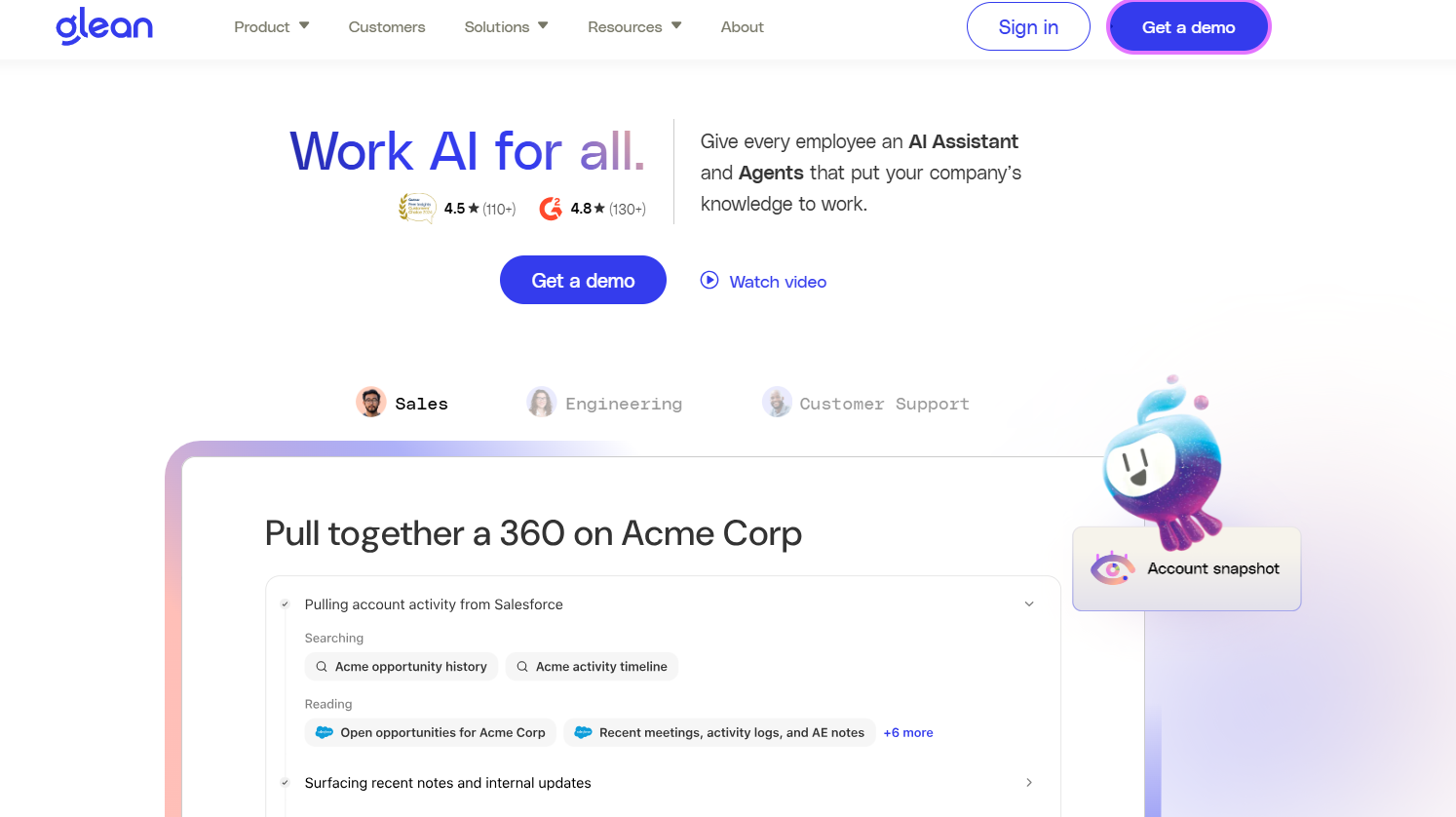
Glean is an AI tool designed for knowledge management and information retrieval. By integrating Glean AI into your business, you can streamline tasks such as information sharing, knowledge management, and access to internal knowledge across various platforms. Glean's core advantage is that employees can access information without having to manually search multiple knowledge platforms.
How to Access Glean AI?
To access Glean AI, simply head to the official Glean website and create an account. You can then log in from the top right corner and access Glean's features. After creating an account in Glean, you can request a custom pricing plan and start adding employees. Glean allows you to customize which information and knowledge folders your employees can access and which actions they are authorized to perform.
Glean AI Pricing
Glean doesn't offer specific pricing plans or usage-based pricing for its users. Glean creates a custom pricing plan for each ticket and offers it to users. Glean's pricing policy can be a bit tedious in terms of flexibility and calculations. However, while Glean doesn't offer official pricing, it calculates pricing based on customer feedback and market analysis, depending on:
- Organization Size
- Number of Integrations
- Level of Customization
- Support Tier
- AI Assistant Features
Furthermore, market analysis suggests that Glean pricing starts at a minimum of $50 per seat per month. The fact that Glean doesn't offer an official pricing plan may make you hesitant to integrate it with your organization. After all, calculating your expected pricing and creating an estimated expense report will be difficult.
Glean AI Features
Glean AI has features designed to solve the problems of business users. Glean offers features above the market average for enterprise users. However, each of these features will increase Glean's pricing, and each adds a different amount. Let's explore the features of Glean AI together.
AI-Powered Knowledge Search
Glean's main feature is AI-powered search, which enables users to search across a wide range of platforms in a single chat. Glean uses RAG systems to generate output for users' queries. Glean integrates with popular knowledge bases such as Google Drive, Slack, and Salesforce. With Glean, you can search all your knowledge bases without having to switch between tabs. Furthermore, you can complete the entire process in a conversational format, saving time.
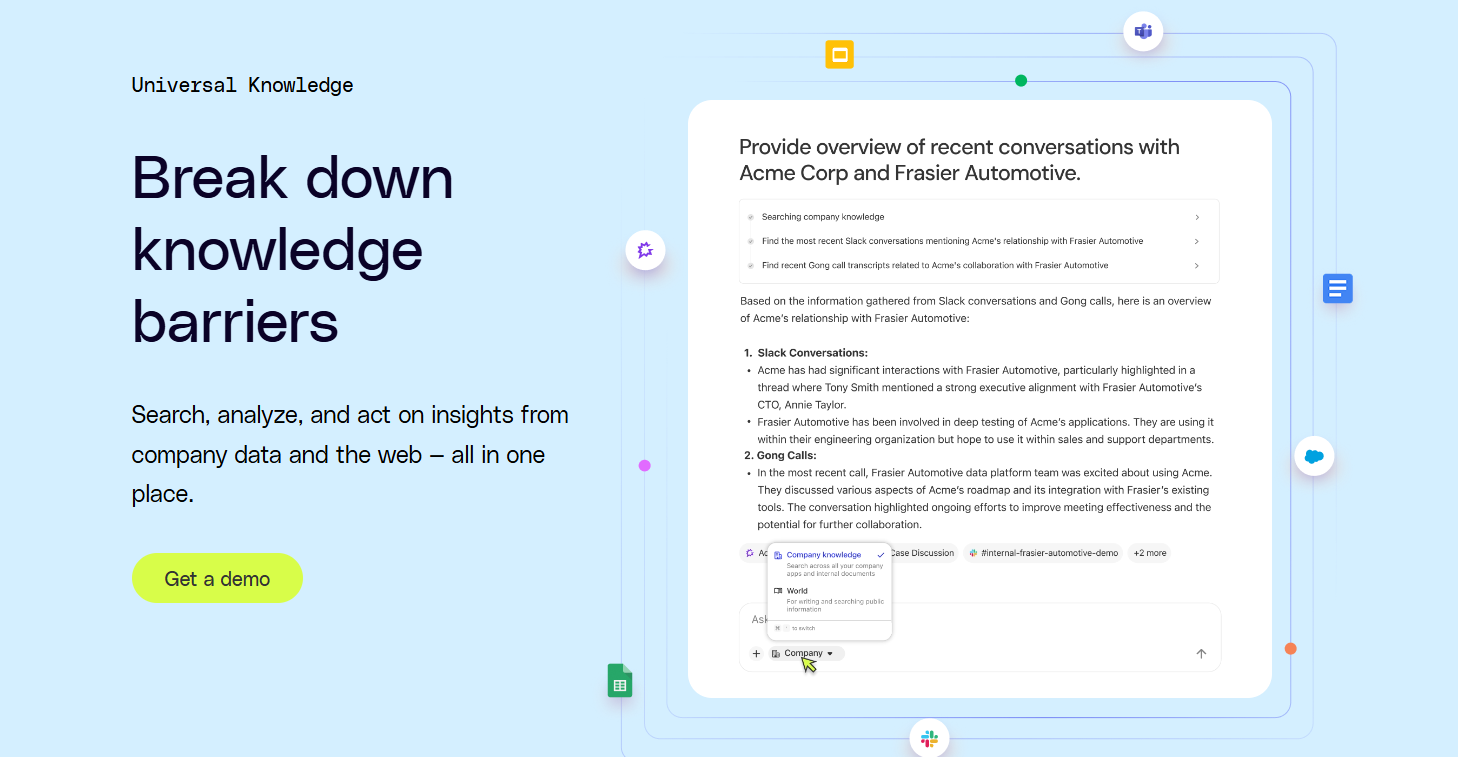
Glean offers users the Glean Assistant, which can search across multiple knowledge bases and generate output by analyzing the results. The Glean Assistant retrieves data from knowledge bases by analyzing users' queries based on keywords and contextual meaning.
Glean Agents
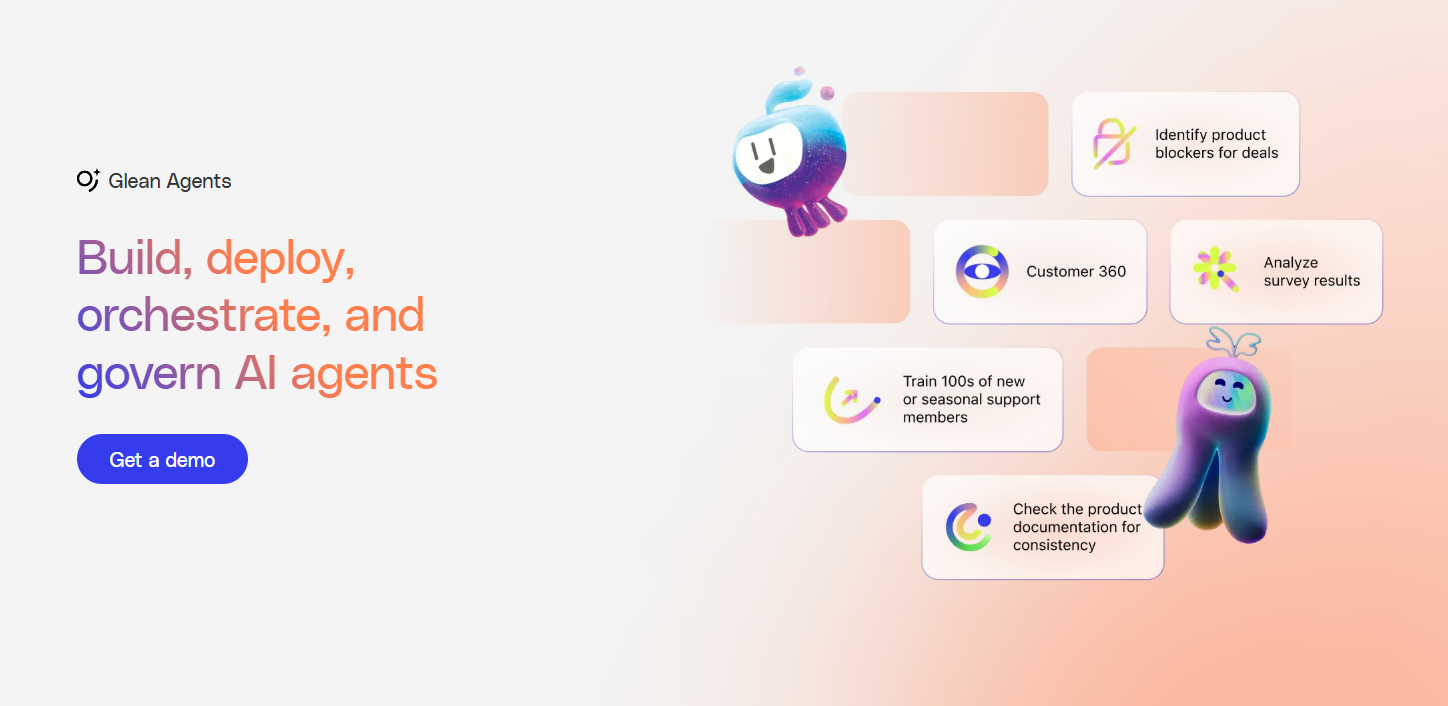
Glean Agents is an AI agent system designed to help users automate workflows and tasks. With Glean agents, you can build task-oriented AI agents that include large language models and visual builders, and automate your workflows. Once built, Glean AI agents can act independently, analyzing tasks and planning the process. Glean agents don't just follow prompts; they control and reason about smaller models by creating their own prompts.
Data Analysis
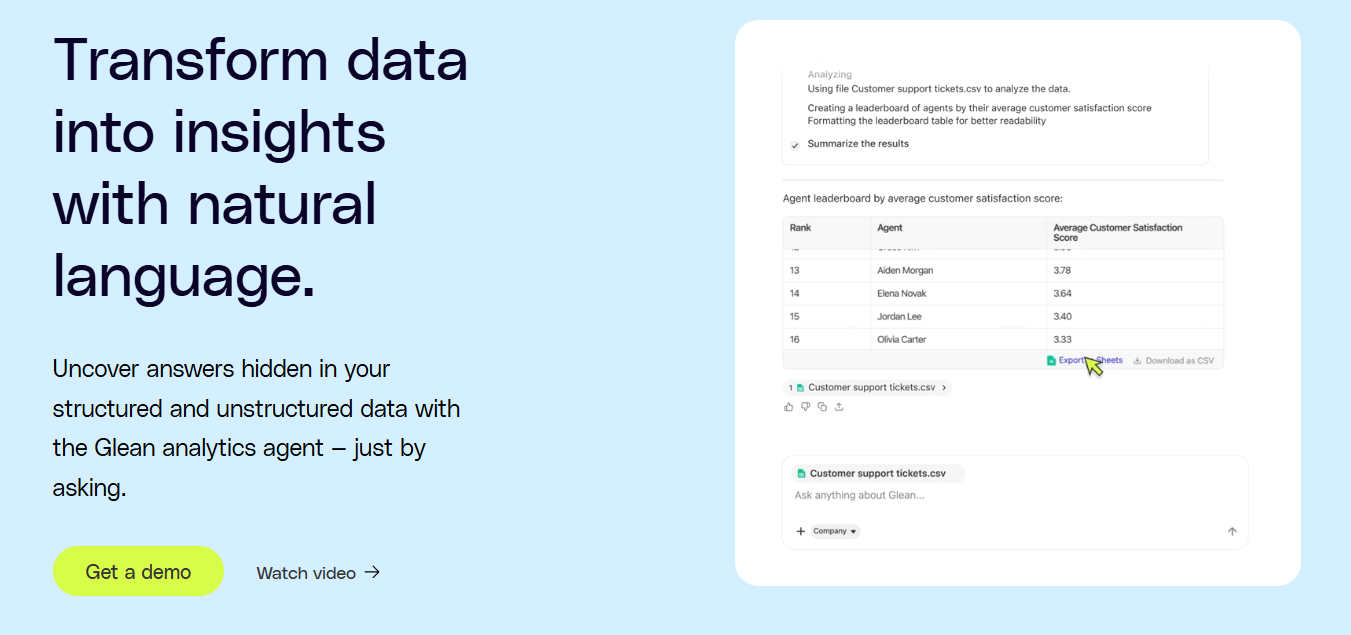
Because Glean integrates with your entire company knowledge base, it can create accurate and well-prepared data analysis reports. For detailed data analysis with Glean, all you need to do is ask a question to the natural language model. Glean will then scan all data sources, collect information relevant to your question, and use it to generate output. Because Glean accesses your organization's live data, it simplifies your decision-making process with up-to-date information.
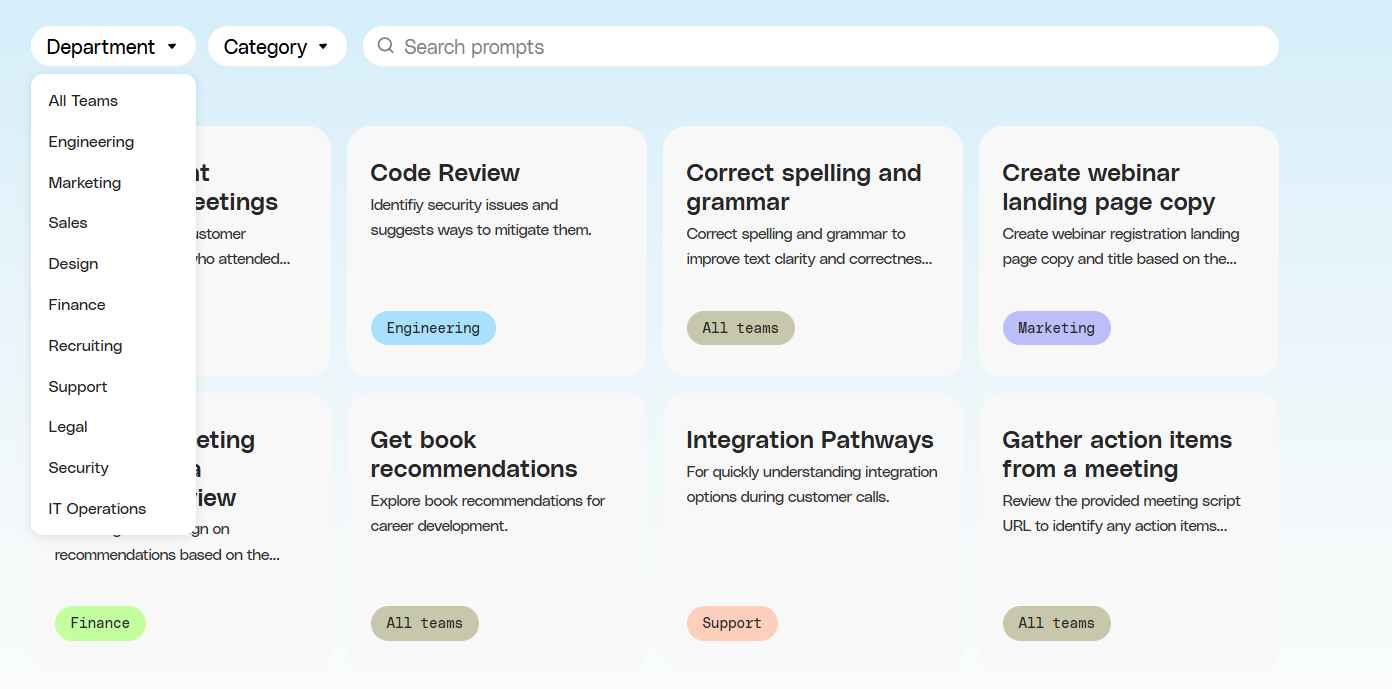
Prompt Library
Glean offers a prompt library to help users use the platform more effectively and generate the outputs they want. With the Glean prompt library, you can view and use prompt examples across different departments and categories.
Software Integrations
Glean integrates with all frequently used applications and websites in a business and can retrieve data from online knowledge bases. Popular applications that Glean integrates with include Slack, Salesforce, Google Workspace, Microsoft 365, and Pages.
TextCortex: A Better Knowledge Management Alternative
If you're looking for a corporate AI assistant that offers more advanced features than Glean, TextCortex is designed for you. TextCortex offers AI agents, knowledge bases, web search, multiple LLMs such as GPT-4o, DeepSeek R1, Claude 4 Sonnet, AI image generators, workflow automation, writing assistance, and integrations with over 30,000 websites and apps for both enterprise and individual users.
TextCortex offers features that will both enhance your knowledge management game and boost your employees' performance. Let's break them down.
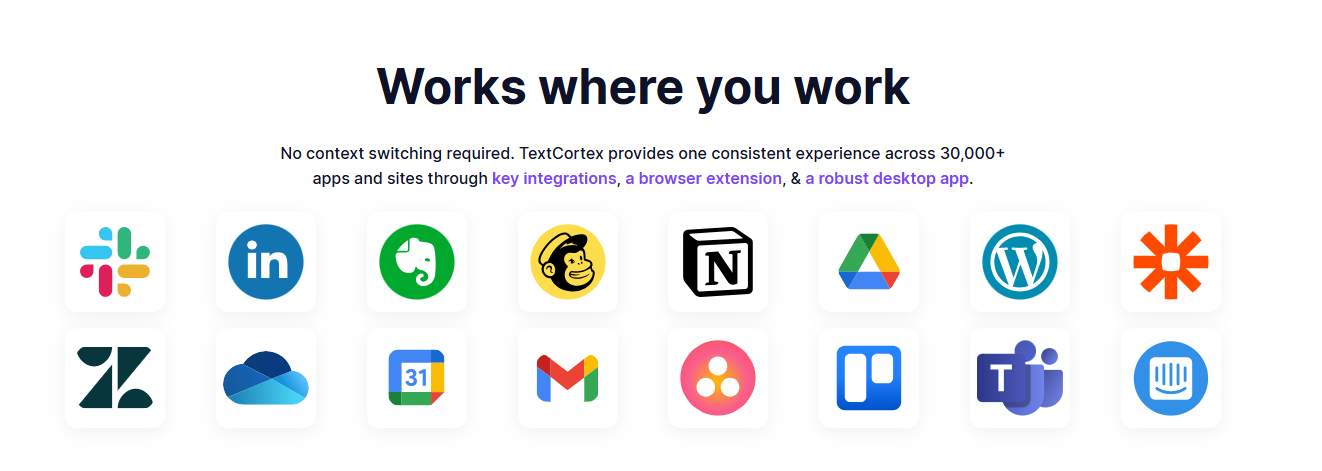
TextCortex Seamless Integrations
TextCortex offers integrations with 30,000+ websites and apps including Gmail, Google Docs, Pages, Notion, and Slack to be with its users anytime, anywhere. With TextCortex, you can continue working without having to switch tabs, thus saving time and energy. In other words, TextCortex aims to provide you with the best experience by adapting to your working style, pace, and needs.
TextCortex Knowledge Bases
TextCortex offers knowledge bases for individual and team users where they can store all their internal data and use it with various AI features. Using our knowledge bases, you can organize, share, and analyze your internal data, use it to generate insights, and use it to create new knowledge. TextCortex provides a powerful RAG upgrade with knowledge bases that allow you to generate output for multiple LLMs using specific knowledge sources.
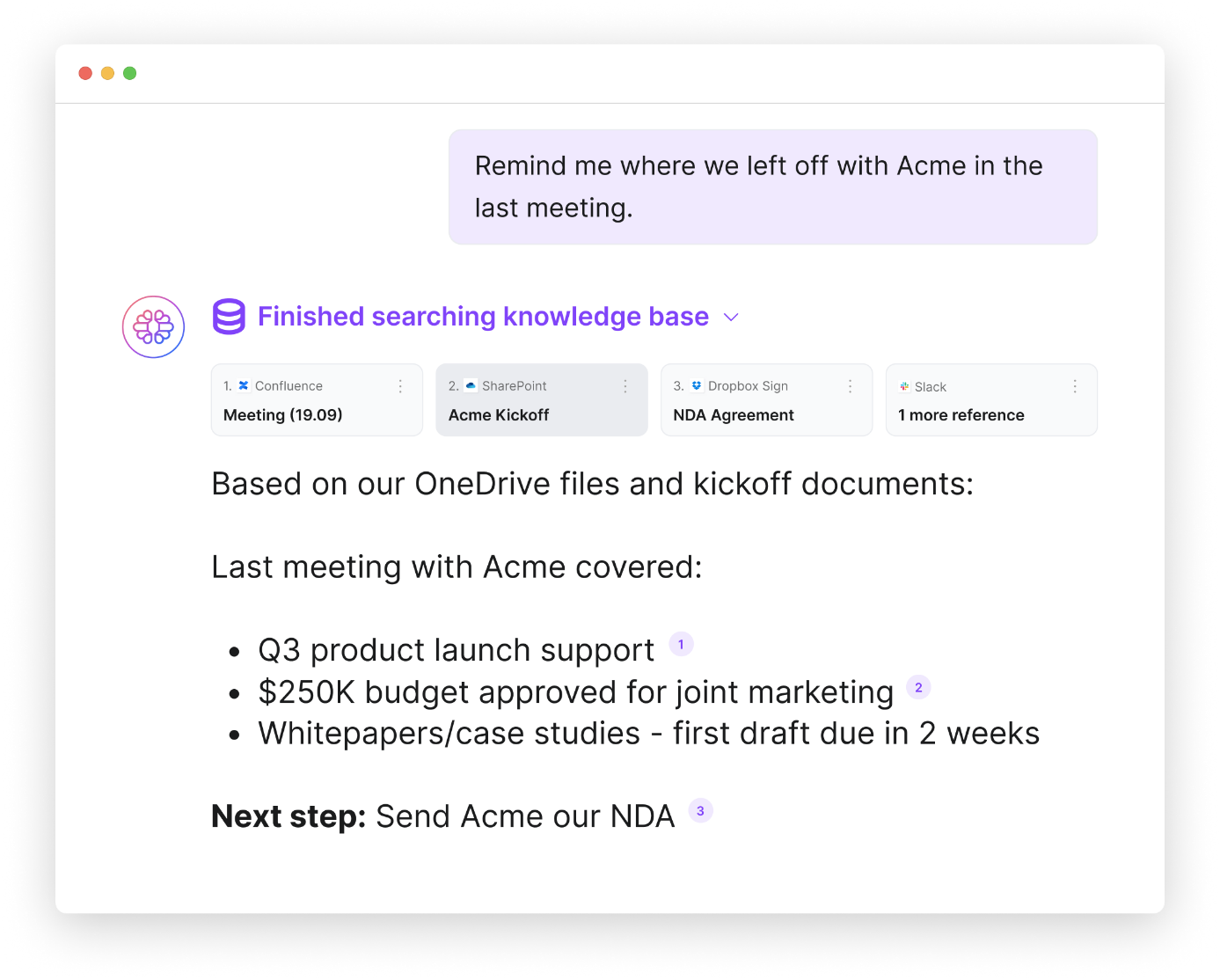
You can manually upload your data and documents to TextCortex knowledge bases or connect your existing knowledge sources such as Microsoft OneDrive, Google Drive, and Notion with a single click. Moreover, you can organize your documents and internal data by creating knowledge base files.
TextCortex Workflow Automation
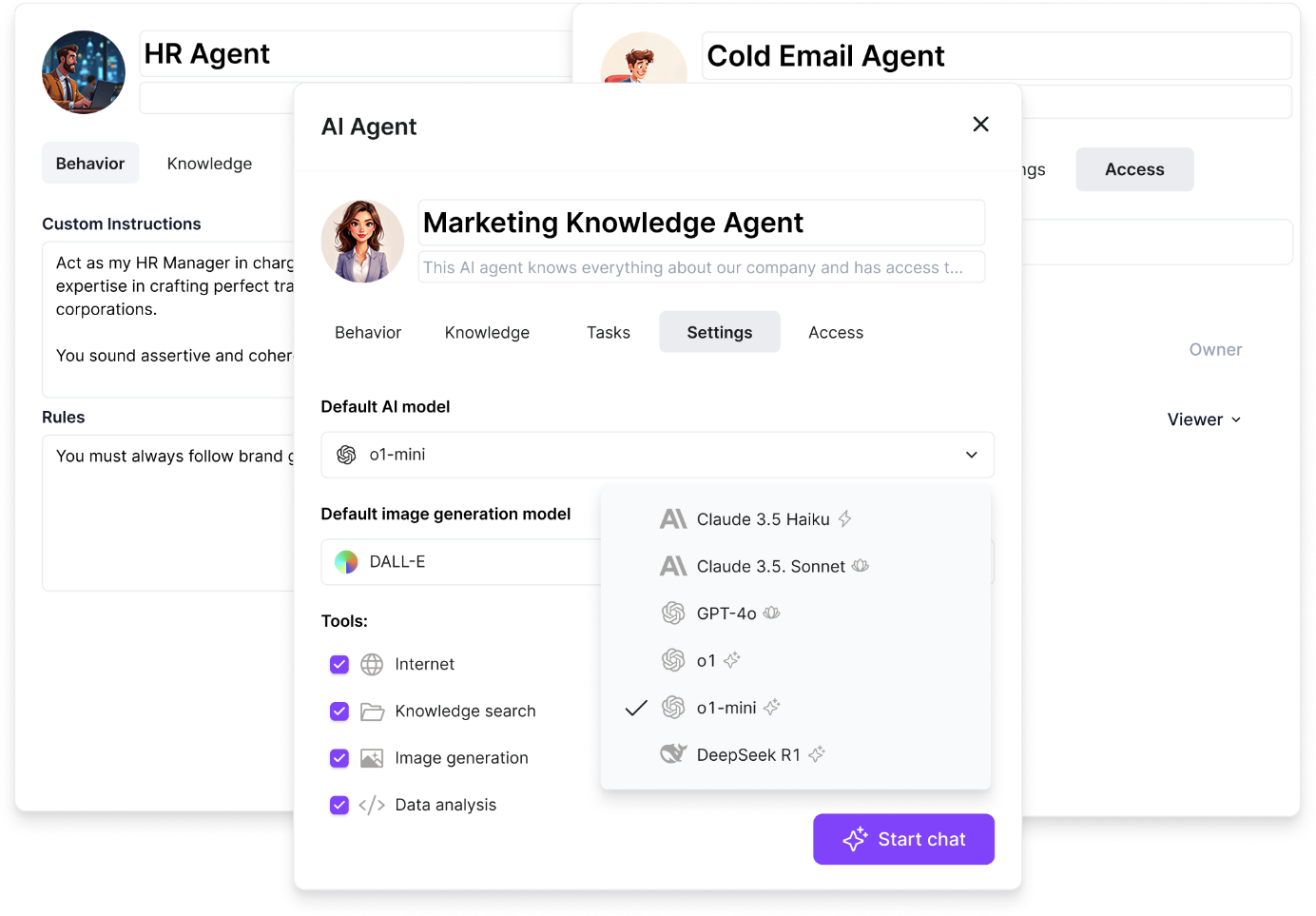
TextCortex offers automation of repetitive and monotonous tasks to all its users, including enterprises. With TextCortex AI agents, you can automate any repetitive workflow of your business and save time! TextCortex AI agent works integrated with your knowledge base and can complete tasks using your internal data. For example, using the TextCortex AI agent feature, you can build an assistant that will automate HR manager tasks and help you save time.
TextCortex Writing Assistance
If you need to create documents frequently or want to make your enterprise documents compelling, contextual, well-organized, and error-free, then TextCortex writing assistance is designed for you. Our writing assistance stabilizes your brand voice and ensures consistency in all your written documents.
Frequently Asked Questions
What is Glean used for?
Glean AI is an AI platform that offers knowledge management for companies. You can use Glean AI for tasks such as knowledge management, collaboration, analytics, and internal knowledge research.
Is Glean AI good?
Glean AI is an AI tool that offers the powerful RAG feature, allowing you to complete knowledge management tasks quickly and with high quality.
How much does Glean AI cost?
While Glean AI doesn't have an official, fixed pricing plan, it creates customized pricing for applications. Based on market analysis and user feedback, Glean AI starts at $50 per user per month.
.png)
.png)
.png)