.png)
Frontier AI models such as GPT-5.5, Claude Opus 4.8, and Google Gemini 3.1 Pro are not compliant with EU governance by default. To use frontier models, you need to configure them and ensure the deployment process is compliant with the EU AI Act and GDPR. Therefore, using frontier AI models with EU residency is a cumbersome and time-consuming task. However, there are ways to use frontier AI models as EU-hosted, EU AI Act, and GDPR compliant. If you want to integrate frontier AI models into your EU-active business and are unsure how, we’ve got you covered!
This article will explain how you can use and integrate frontier AI models such as OpenAI, Claude, and Google as EU-hosted into your enterprise.
TL; DR
Frontier AI models (GPT-5.5, Claude Opus 4.8, Gemini 3.1 Pro, etc.) are not EU AI Act or GDPR compliant by default and self-configuring them is time-intensive and costly, with non-compliance penalties up to €35 million or 7% of global turnover. Three main solutions exist for EU-hosted, compliant deployment: TextCortex, offering 23 EU-hosted models (including GPT-5.5, Claude Opus 4.8, Gemini 3.1 Pro, and cost-effective alternatives like GLM 5.1 and Kimi K2.5) via a single API, plus enterprise AI agents, skills, knowledge bases, and continuous monitoring of evolving regulations; Azure OpenAI EU, Microsoft's cloud service providing EU-resident OpenAI deployment in regions like France Central, Germany West Central, Italy North, and Spain Central with Azure tenant data privacy, but limited exclusively to OpenAI models; and Amazon Bedrock EU, supporting GPT-5.5, Claude family, Mistral, and Nova models with EU AI Act compliance, but excluding Google DeepMind models like Gemini 3.1 Pro.
What are Frontier AI Models?
The concept of Frontier AI models refers to the most powerful and advanced large language models on the market. Some of the frontier AI models include:
- Anthropic’s Claude Models: Claude Mythos 5, Fable 5, Claude Opus 4.8, Claude Sonnet 4.6
- OpenAI Models: GPT-5.5, GPT-5.5 Pro, GPT-5.4
- Google DeepMind: Gemini 3.1 Pro, Gemini 3.5 Flash, Gemini 2.5 Pro
- xAI (Grok): Grok 4.3, Grok Build 0.1
The common point of all frontier AI models is that they are in a race to lead in large language model technology and development. In particular, Anthropic, OpenAI, and Google models have successively released the most advanced LLMs.
Frontier AI Model Characteristics
Frontier AI models have sharp characteristics that distinguish them from other AI models:
- Massive Scale: They are trained on vast amount of data using extreme computational resources.
- General Purpose: Rather than built for one specific task, they can adapt to a nearly limitless number of domains from writing code to generate insight from given data.
- Advanced Reasoning: Frontier AI models possess high level cognitive abilities allowing them to chain together steps, make decisions, execute multi-step tasks, solve complex problems.
- Multimodal Abilities: Frontier models can process different types of input and generate different types of outputs such as text, image, code.
Are Frontier AI models EU AI Act compliant?
Frontier AI models, in their raw form, are not compliant with the EU AI Act or GDPR. Since these models are dynamic and user-directed, they must be made compliant with regulations and safety guidelines during deployment. Frontier AI models are classified as General Purpose AI (GPAI) with systemic risk and they do not offer the requested safety and security standards. Using Frontier AI models without making them compliant with the safety and security standards required by the EU AI Act can result in penalties of up to €35 million or 7% of the organization's global annual turnover.
Can I Use Frontier AI Models in the EU?
Yes, you can use frontier AI models in the EU by making them EU AI Act and GDPR compliant and implementing the required safety and security measures. However, this process requires time and investment, from deployment to monitoring. Therefore, you can opt for enterprise AI solutions, such as TextCortex, that already offer compliance with EU AI Act and GDPR, constantly monitor changing and evolving regulations, and provide EU-hosted frontier AI models.
How to Deploy Frontier AI Models in the EU?
If you want to use frontier AI models that are EU-hosted, EU AI Act and GDPR compliant, and don't want to deal with AI deployment yourself, you should use platforms that provide this service. Let's take a look at the best solutions that offer frontier AI models in the EU.
Solution 1: TextCortex AI EU: Deploy Frontier AI Models as EU-Hosted
If you want to integrate frontier AI models into your enterprise as EU-hosted, GDPR and EU AI Act compliant, or use them as APIs, TextCortex is the solution for you. TextCortex is a leading platform that offers EU-hosted frontier AI models, enterprise AI search, knowledge management, and workflow automations via AI agents to reduce the workload of enterprises. TextCortex offers Frontier AI models such as GPT-5.5, GPT-5.4, Claude Opus 4.8, Gemini 3.1 Pro, and Gemini 3.5 Flash both as APIs and as enterprise AI assistants.
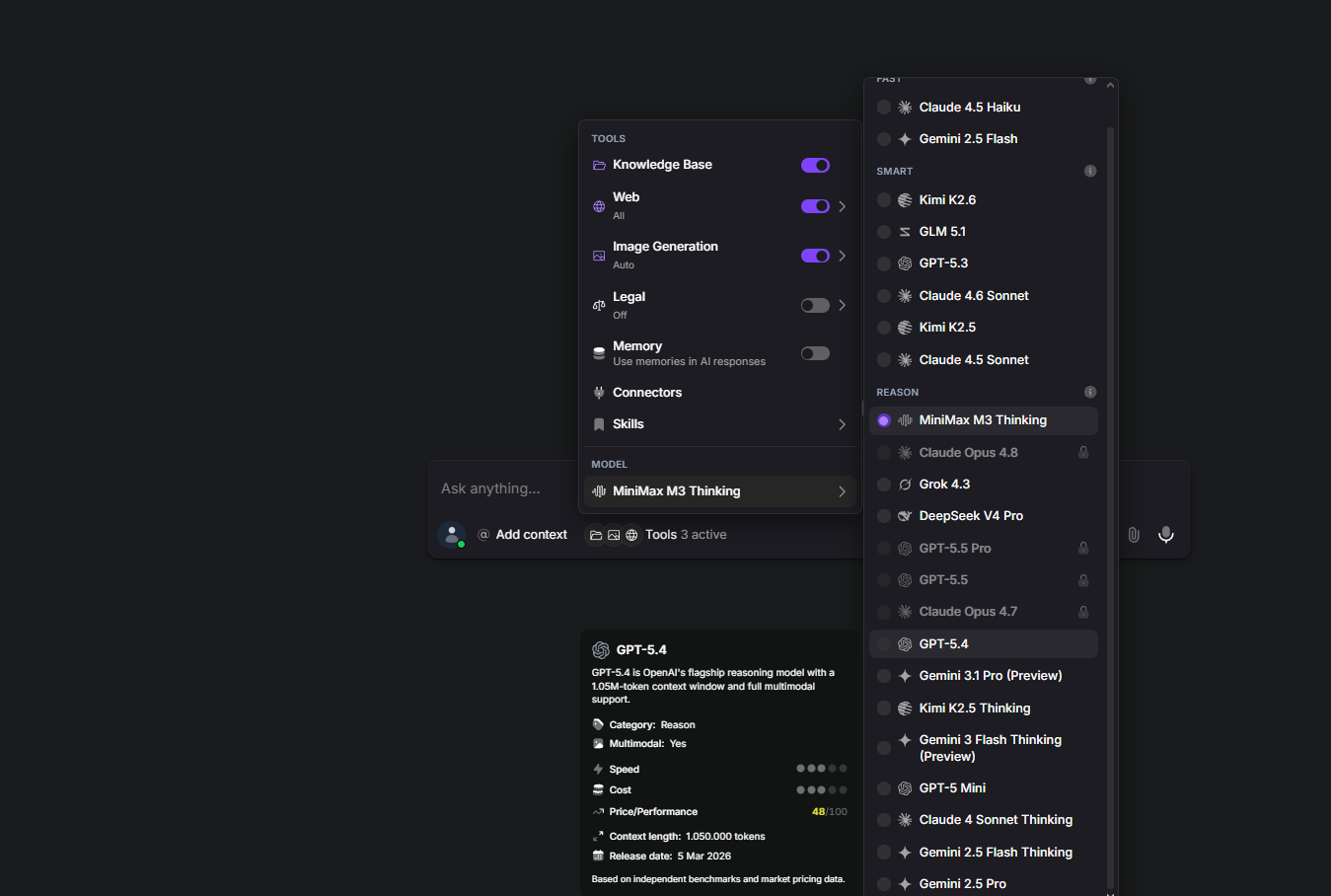
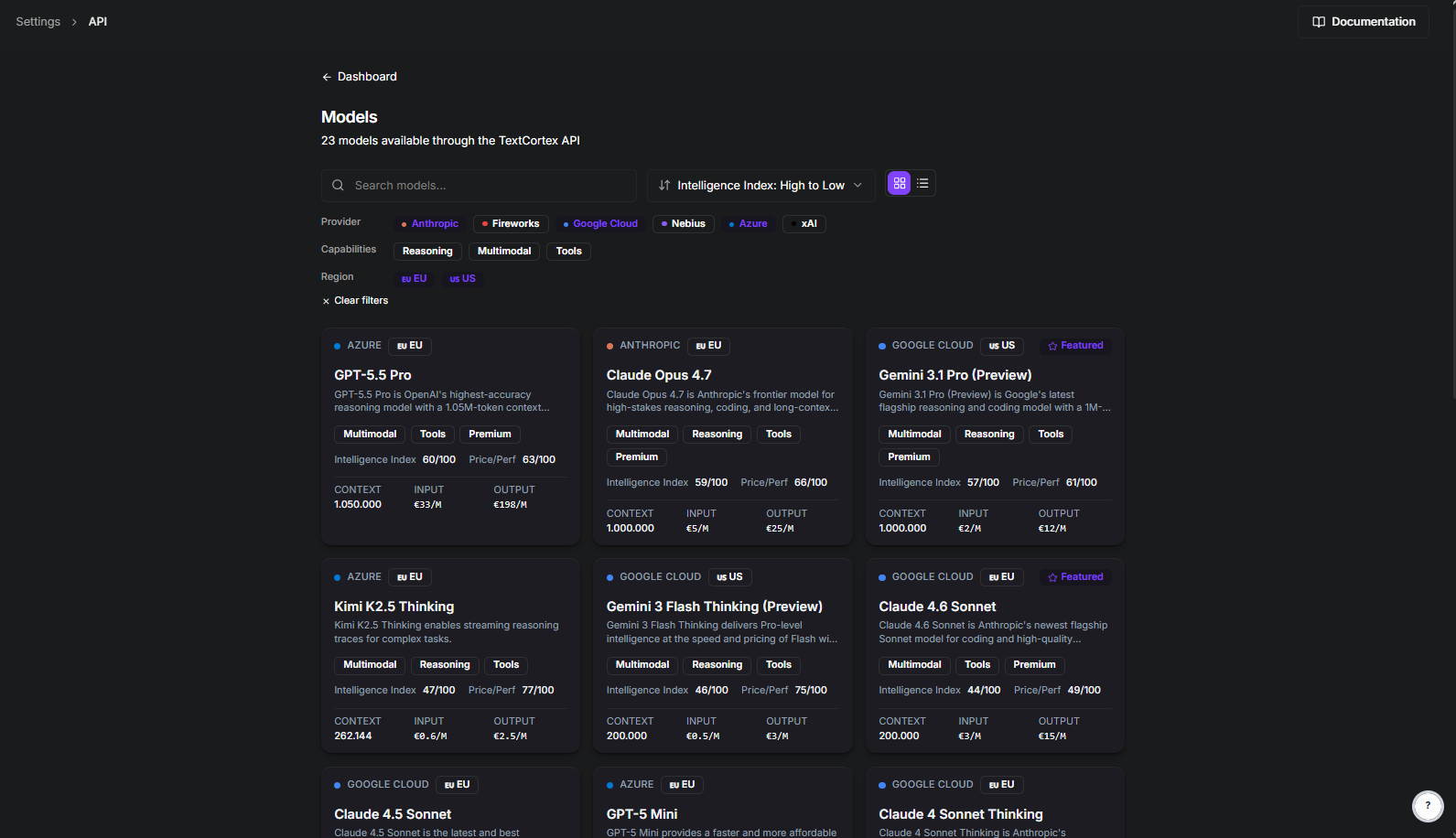
One API to Rule Them All
With the TextCortex API, you can use frontier AI models that are EU-hosted and GDPR compliant through a single API. This saves time by eliminating the need to search for and use the optimal LLM API for different tasks. TextCortex allows users to choose from 23 models in the API settings and select the model they want for specific tasks.
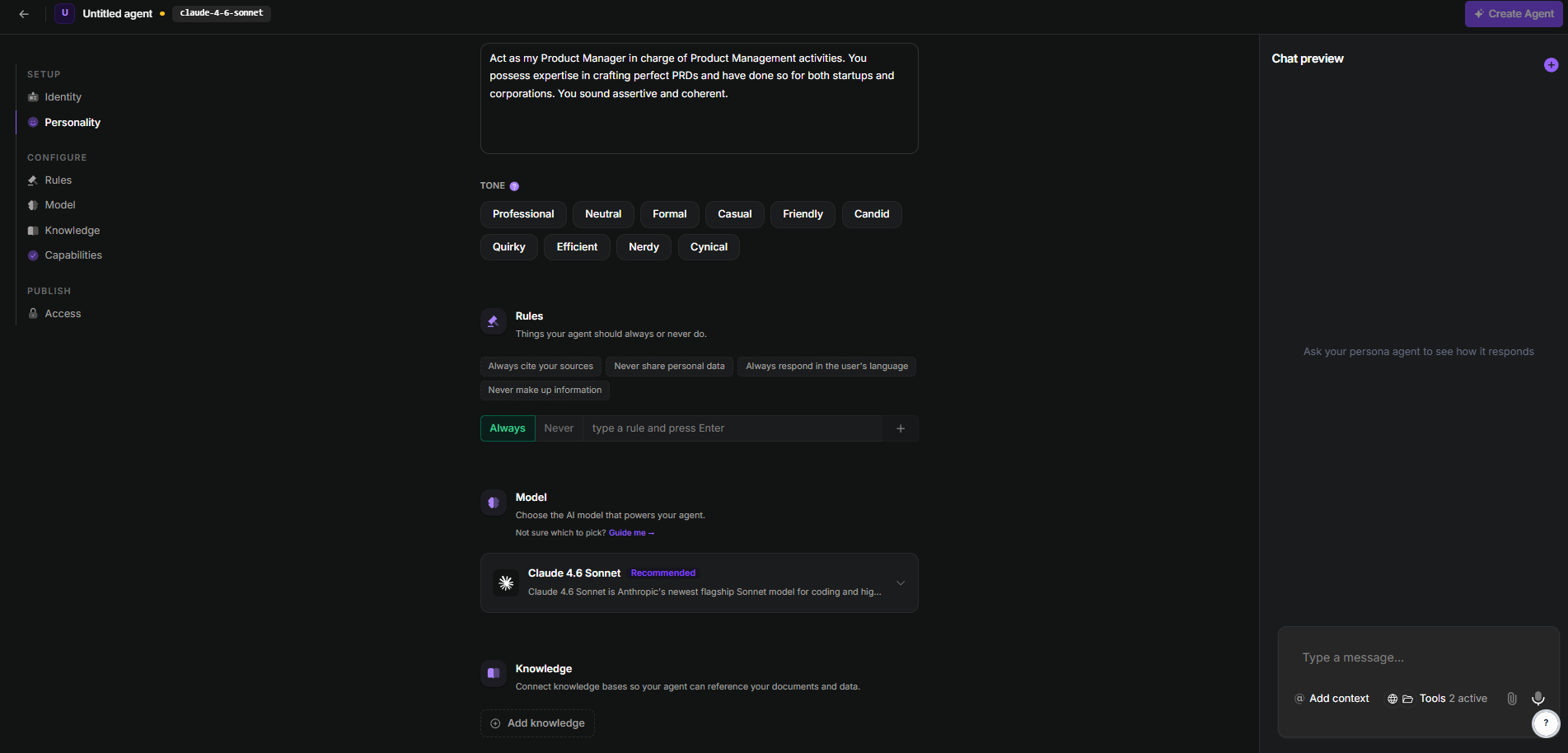
Create AI Agents Powered by Frontier AI models as EU-Hosted
Another solution TextCortex offers its users is an AI agent framework that allows them to use frontier AI models as GDPR and EU AI Act compliant and EU-hosted. With the TextCortex AI agent framework, you can automate complex and repetitive tasks in your enterprise by using frontier AI models, saving time and labor. The best part is that all frontier models can be used in the EU because we offer LLMs as EU-hosted and GDPR compliant.
Solution 2: Azure OpenAI EU
Azure OpenAI is a cloud service offered by Microsoft that allows developers and enterprises to access OpenAI models such as GPT-5.5, GPT-5.5 Pro, and GPT-5.4 as data zone and regional deployment. You can use Azure OpenAI to access OpenAI models as EU AI Act and GDPR compliant.
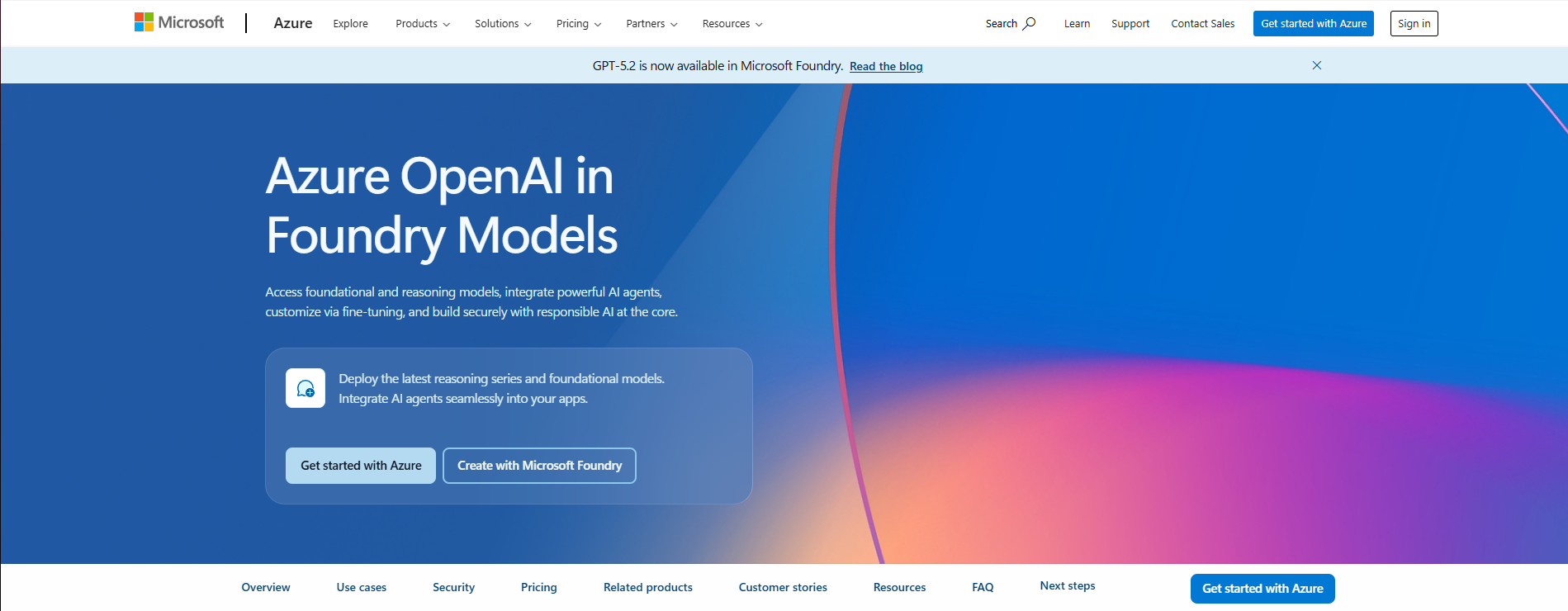
Access OpenAI Models in the EU via Azure OpenAI
While you can access OpenAI models directly, Azure OpenAI allows you to use frontier OpenAI models that are EU AI Act and GDPR compliant. During Azure OpenAI deployment, you have various options ranging from data privacy to compliance. Azure OpenAI offers enterprises:
- Compliance: It can meet compliance and regulatory standards such as GDPR and the EU AI Act.
- Security & Data Privacy: Your data is kept within your own Azure tenant and it is not used to train base OpenAI models.
- Ecosystem Integration: It can connect with other Azure and Microsoft services and apps such as OneDrive.
Azure OpenAI Limitations
As the name suggests, Azure OpenAI's biggest limitation is that it only offers OpenAI models. If you want to use frontier models from developers like Google DeepMind and Anthropic in your enterprise, Azure OpenAI is the not-so-perfect fit for you.
Solution 3: Amazon (AWS) Bedrock EU
Amazon Bedrock is a fully managed Amazon Web Services (AWS) platform that provides developers and enterprises with secure serverless access to top-tier frontier AI models through a single API. Amazon Bedrock also offers a deployment option that is EU AI Act and GDPR compliant.
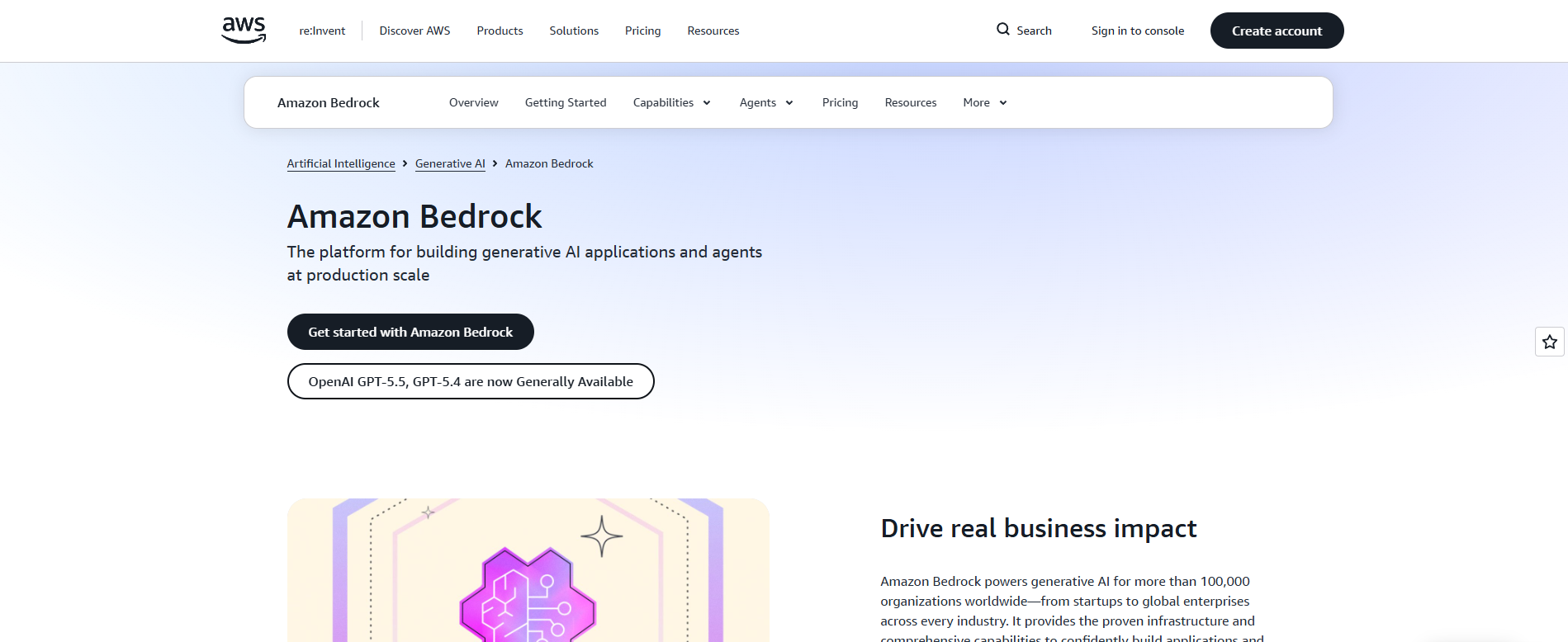
Amazon Bedrock, being EU AI Act compliant, provides access to features such as an AI agent and multiple LLMs via a single API.
Amazon Bedrock EU LLM List
AWS Bedrock makes it possible to use frontier AI models that are EU-hosted and GDPR compliant. Frontier AI models offered by AWS Bedrock include:
- GPT-5.5
- GPT-5.4
- Claude Opus 4.8
- Claude Opus 4.7
- Claude Sonnet 4.6
- Claude Opus 4.6
- Nemetron 3 Super
- Nova 2 Model Family (Pro, Omni, Sonic)
- Mistral Large 3
- Ministral 3 (3B, 8B and 14B)
and more.
AWS Bedrock EU Limitations
While AWS Bedrock offers alternative models in addition to its Frontier Large Language models, it does not offer Google DeepMind models. If you want to use Google DeepMind models, such as Gemini 3.1 Pro Enterprise, in your system, AWS Bedrock EU may not be the best option for you.
Frequently Asked Questions
Is ChatGPT a frontier model?
Yes, the GPT-5.4 and GPT-5.5 models used by ChatGPT are on the list of Frontier AI models.
Can I use frontier AI models in the EU?
Yes, you can use frontier AI models in the EU after adjusting them to regulations and compliance. If you don't want to deal with this process, you can opt for solutions that offer frontier models as EU-hosted and GDPR compliant, such as TextCortex AI, Azure OpenAI, and AWS Bedrock.
Which Azure regions are EU AI compliant?
Any Azure region located within an EU member nation or an EFTA country qualifies such as France Central (Paris) Germany West Central (Frankfurt) Italy North (Milan) Spain Central (Madrid).
What are the EU AI Act penalties for non-compliance?
Using Frontier AI models without ensuring they meet the safety and security standards required by the EU AI Act can result in penalties of up to €35 million or 7% of the organization's global annual turnover.
.png)
.png)
.png)