
.png)
If you've decided to use an LLM (Large Language Model) for your company, it's most effective to have it generate output using your company's data. Traditional LLMs use the data they were trained on to generate output. By training a base model with specific data sources, you can customize the datasets it uses to generate output. In other words, fine-tuning an LLM means customizing its memory. If you don't know what LLM fine-tuning is and how to do it, we've got you!
In this article, we'll explain what LLM fine-tuning is and how to do it step-by-step.
Ready?
Let's dive in!
TL; DR
- LLM fine-tuning involves training a natural language model with specific knowledge to perform specific tasks.
- LLM fine-tuning is an upgrade that requires you to work with static data or can be used in customer AI chatbots.
- To fine-tune an LLM, you first need to select a large language model and then a dataset.
- You can then upload the database to LLM and define tokenizers to bring the LLM to its final form.
- If you're looking for a company AI assistant that offers advanced AI features in addition to streamlining your LLM fine-tuning process, TextCortex is the way to go.
What is LLM Fine-Tuning?
LLM fine-tuning is a method used to train a natural language model to perform specific tasks or acquire specific knowledge. This approach involves customizing a large language model's existing knowledge and encouraging it to generate output using custom datasets rather than generic ones. LLM fine-tuning allows AI models to specialize in a specific use case by customizing the underlying large language model.
For example, you can customize the large language models used by ZenoChat by TextCortex and train them with your company data. This way, ZenoChat will use your specific datasets when generating output and deliver more accurate responses.
When to Use LLM Fine-Tuning?
Fine-tuning LLM is an effective method for ensuring that the AI models you integrate into your company work with internal data. If you're adding an AI tool that works with a large language model, fine-tuning it will be advantageous. This way, the AI tools you add to your organization can generate output using your internal datasets.
You can use the LLM fine-tuning method to ensure your customer support AI chatbot delivers accurate and correct responses to customers. If your company's data doesn't change constantly and you're comfortable providing the same information to customers, LLM fine-tuning will enhance the functionality of your customer support AI chatbot.
Different Types of Fine-Tuning
There are four different types of LLM fine-tuning methods. Each type has its own advantages and disadvantages. Large language model fine-tuning types include:
- Supervised Fine-Tuning: This is the most straightforward and common approach. It is ideal for performing tasks that require specific datasets.
- Few-shot Learning: In this method, in addition to training the LLM with a dataset, several sample shots are provided.
- Transfer Learning: In this method, the LLM can use its existing database to perform a different task.
- Domain-Specific Fine-Tuning: In this method, the LLM is trained to generate output in a specific domain or industry.
A Step-by-Step Guide to Fine-Tuning an LLM
Now that we've discussed what LLM fine-tuning is and how it works, we can explain step-by-step how to fine-tune an LLM for your company or specific use cases. We already know that fine-tuning involves taking a base model and training it with a specific dataset. Let's discover how to fine-tune an LLM step by step!
Step 1: Choose a LLM (Large Language Model)
To fine-tune a model, we need a pre-trained model to work on. You can choose GPT-4o, Claude 3.5 Sonnet, DeepSeek, or another high-level model. At this stage, you need to keep in mind that the base model is suitable for your task. For example, LLMs like DeepSeek R1, o4-mini, and Claude 4 Sonnet Thinking are ideal for reasoning tasks, while models like GPT-4o Mini and Claude 3.5 Haiku are ideal for internet research and knowledge retrieval.
Step 2: Load the Data to Use
After selecting the LLM, all you need to do is train it with the specific datasets you've selected. You can upload your datasets manually or use cloud storage systems like Google Drive, Microsoft OneDrive, or Notion. For example, TextCortex allows you to directly add specific connections and cloud links when fine-tuning your LLM, allowing you to easily complete the data upload phase.
Step 3: Tokenizer
After loading the dataset into the LLM, we need a tokenizer system that will parse it and trigger its use. At this stage, you can create your own tokenizer system or add pre-trained tokenizer templates to the LLM. The tokenizer system will enable the base model to parse the data you upload. However, AI assistants like TextCortex handle this step for you, allowing you to move directly to the next step.
Step 4: Initialize Your Model
Once you've finished the tokenizer step, you can kick-start your fine-tuned large language model. We recommend testing the model to measure its functionality and test its output generation capabilities.
Step 5: Improve the Model
Once you've started using your fine-tuned large language model, you should use the information you gain by gathering feedback and observing its performance to refine it. Using this method, you can also train your fine-tuned LLM with new datasets.
Fine-Tuning vs RAG
While LLM fine-tuning is effective for companies working with static data, it has difficulties updating itself and adapting to new datasets. For example, if your company updates its marketing data weekly, LLM fine-tuning will be insufficient to meet the needs of your employees or customers. Therefore, we recommend using RAG systems for any task, project, or company where you don't work with static data. RAG systems are LLM implementations that generate output by pulling real-time data from multiple knowledge bases and offer customizable tokenizers.
TextCortex: Build Custom AI Models
If you're looking for a solution that simplifies the entire LLM fine-tuning process and integrates directly with your company, TextCortex is the way to go. In addition to LLM fine-tuning, TextCortex also offers its users the agentic RAG feature. The AI models or AI agents you build with TextCortex can integrate with your company knowledge and generate accurate output while automating your workflows. TextCortex offers several advantages for companies and individual users.
Let’s break it down.
TextCortex Seamless Integrations
TextCortex offers integrations with 30,000+ websites and apps including Gmail, Google Docs, Pages, Notion, and Slack to be with its users anytime, anywhere. With TextCortex, you can continue working without having to switch tabs, thus saving time and energy. In other words, TextCortex aims to provide you with the best experience by adapting to your working style, pace, and needs.
TextCortex Knowledge Bases
TextCortex offers knowledge bases for individual and team users where they can store all their internal data and use it with various AI features. Using our knowledge bases, you can organize, share, and analyze your internal data, use it to generate insights, and use it to create new knowledge. TextCortex provides a powerful RAG upgrade with knowledge bases that allow you to generate output for multiple LLMs using specific knowledge sources.
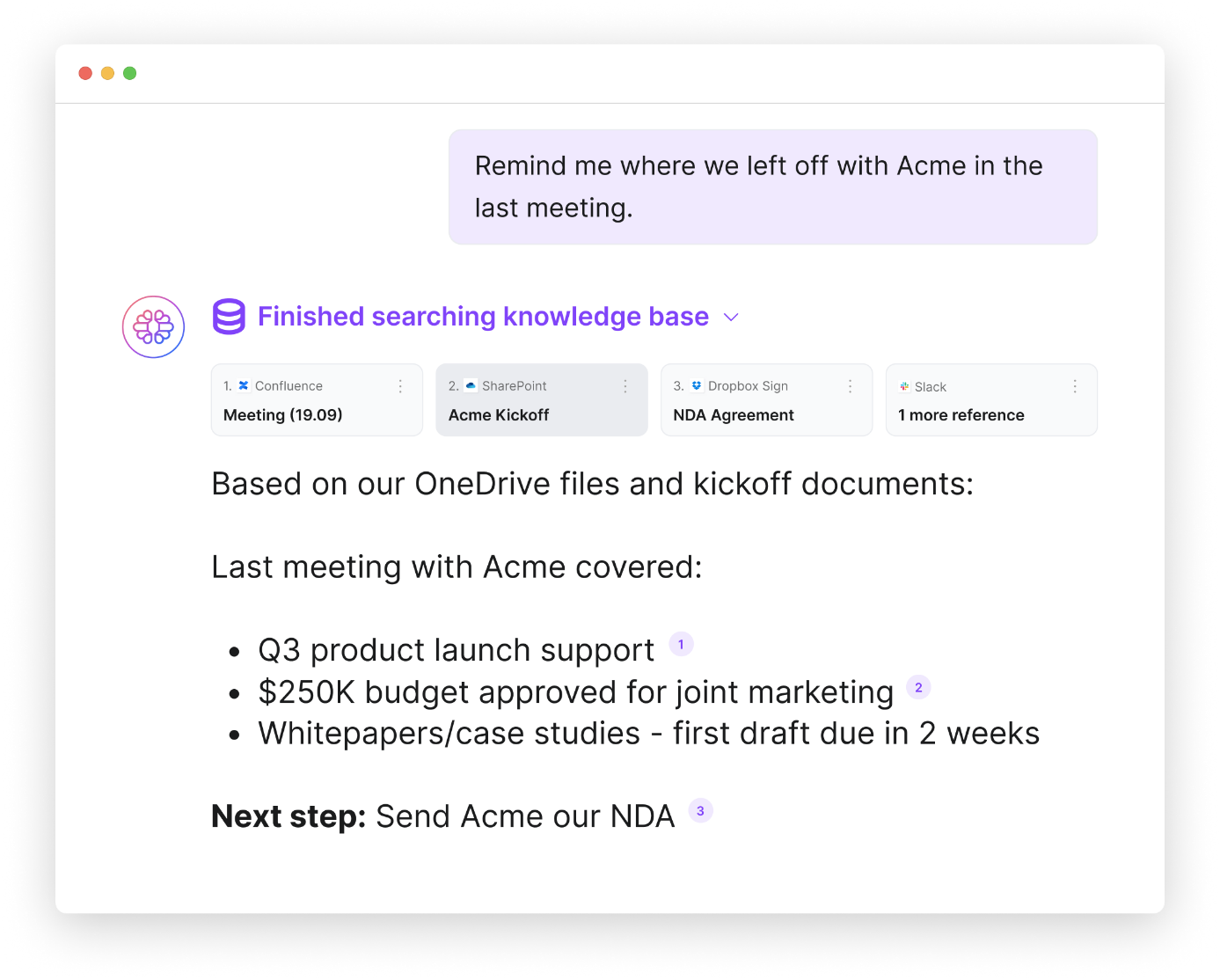
You can manually upload your data and documents to TextCortex knowledge bases or connect your existing knowledge sources such as Microsoft OneDrive, Google Drive, and Notion with a single click. Moreover, you can organize your documents and internal data by creating knowledge base files.
TextCortex Workflow Automation
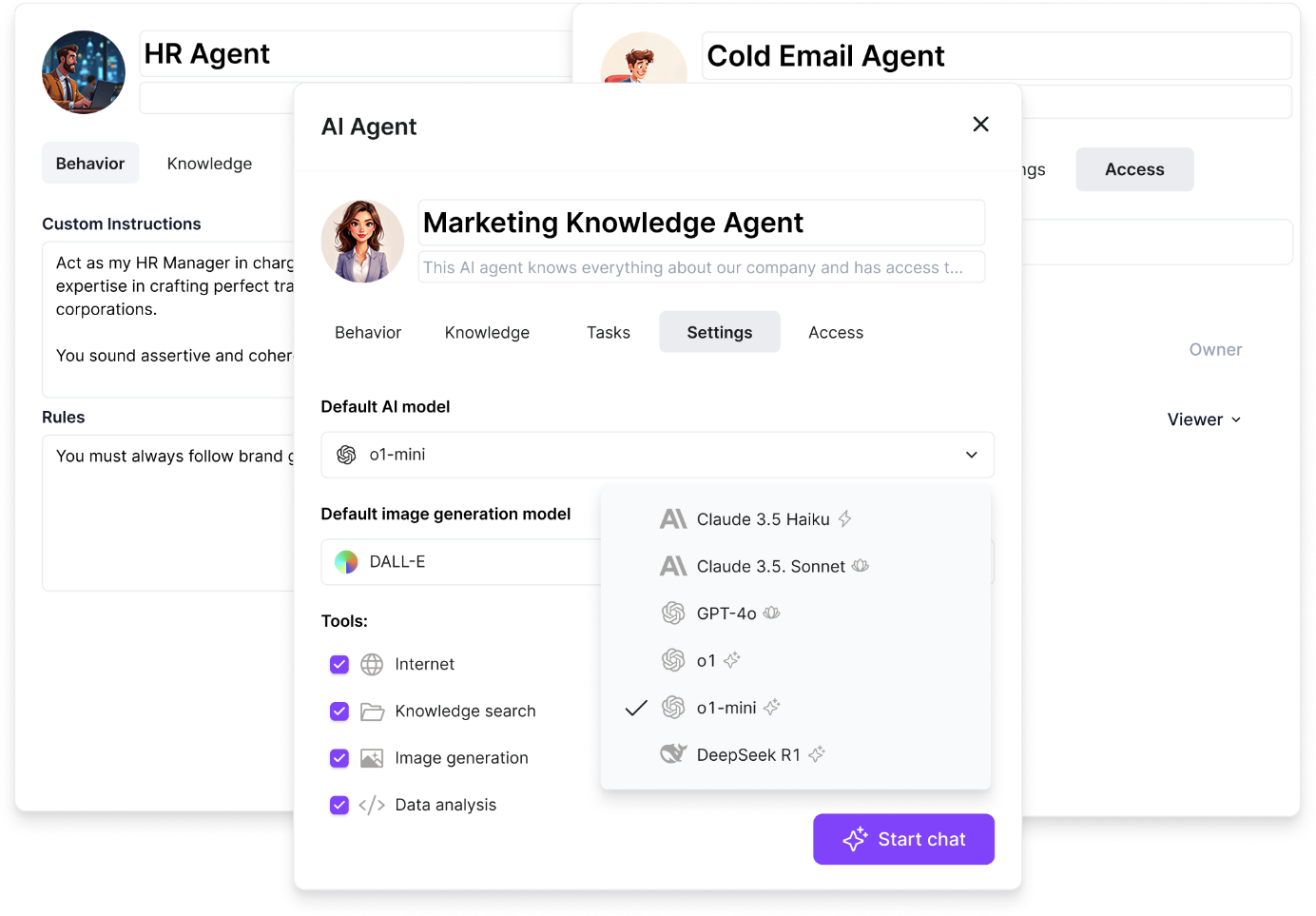
TextCortex offers automation of repetitive and monotonous tasks to all its users, including enterprises. With TextCortex AI agents, you can automate any repetitive workflow of your business and save time! TextCortex AI agent works integrated with your knowledge base and can complete tasks using your internal data. For example, using the TextCortex AI agent feature, you can build an assistant that will automate HR manager tasks and help you save time.
Writing Assistance
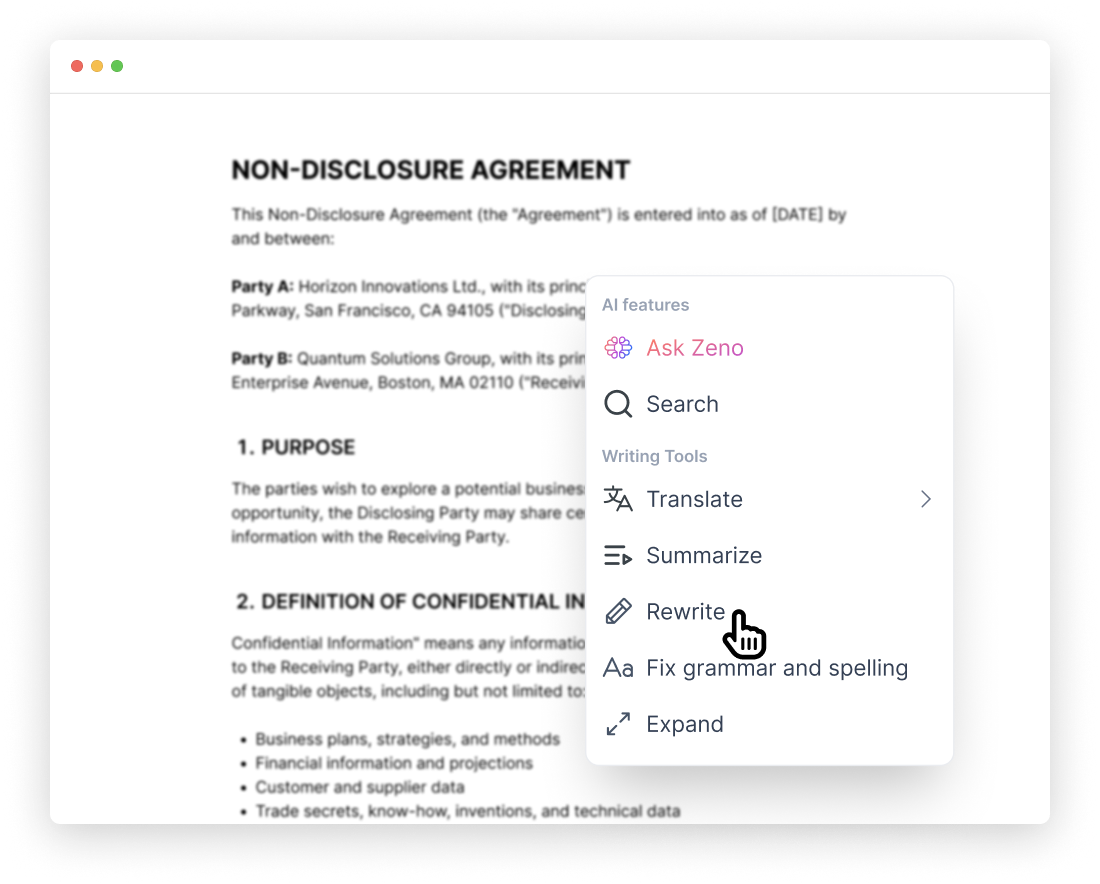
If you need to create documents frequently or want to make your enterprise documents compelling, contextual, well-organized, and error-free, then TextCortex writing assistance is designed for you. Our writing assistance stabilizes your brand voice and ensures consistency in all your written documents.
Frequently Asked Questions
What is the fine-tuning of the LLM model?
Fine-tuning an LLM (Large Language Model) means training it with datasets that will allow it to perform specific tasks. This method allows AI models using LLMs to generate output using datasets you specify instead of the pre-trained data.
What is LLM memory tuning?
Memory tuning is similar to LLM fine-tuning, aiming to customize an LLM's data transfer and enable it to perform specific tasks. For example, with TextCortex, you can replace the memory of multiple LLMs with the databases of your choice.
Can I fine-tune LLM?
If you have the right tools or use tools like TextCortex that simplify the LLM fine-tuning process, you can fine-tune LLMs.
.png)
.png)
.png)