

Gemini 3 Pro Image (AKA Nano Banana Pro) is an image generator model developed by Google that offers features such as image spelling, high-quality image generation, and enhanced prompt understanding. Gemini 3 Pro Image combines advanced reasoning with state-of-the-art image generation. If you're curious about Gemini 3 Pro and how to use it, we've got you covered!
In this article, we'll explore the Gemini 3 Pro Image generator model.
Ready?
Let's dive in!
TL; DR
- Gemini 3 Pro Image is an AI image generator developed by Google that offers features suitable for professional use.
- You can access Gemini 3 Pro Image with Google AI Studio and Vertex AI.
- Gemini 3 Pro Image has error-free image spelling, making it useful for professional use.
- Thanks to its physics-based reasoning engine, Gemini 3 Pro Image produces images that are consistent with real-world data.
- Gemini 3 Pro Image offers multimodal input support with its large context window.
- If you want to integrate Gemini 3 Pro Image into your enterprise workflow, TextCortex, with its prompt enhancer and conversational interface, is the way to go.
Gemini 3 Pro Image Review
Although initially developed under the name Nano Banana Pro, the Gemini 3 Pro Image model was renamed Gemini 3 Pro Image upon its release. The Gemini 3 Pro Image model assists users in professional tasks, enabling the creation of text-based visuals such as graphics and charts, and allowing AI image generator models to have a greater impact on professional life. The Gemini 3 Pro Image model doesn't just generate images; it understands context, physics, and real-world constraints before rendering output.
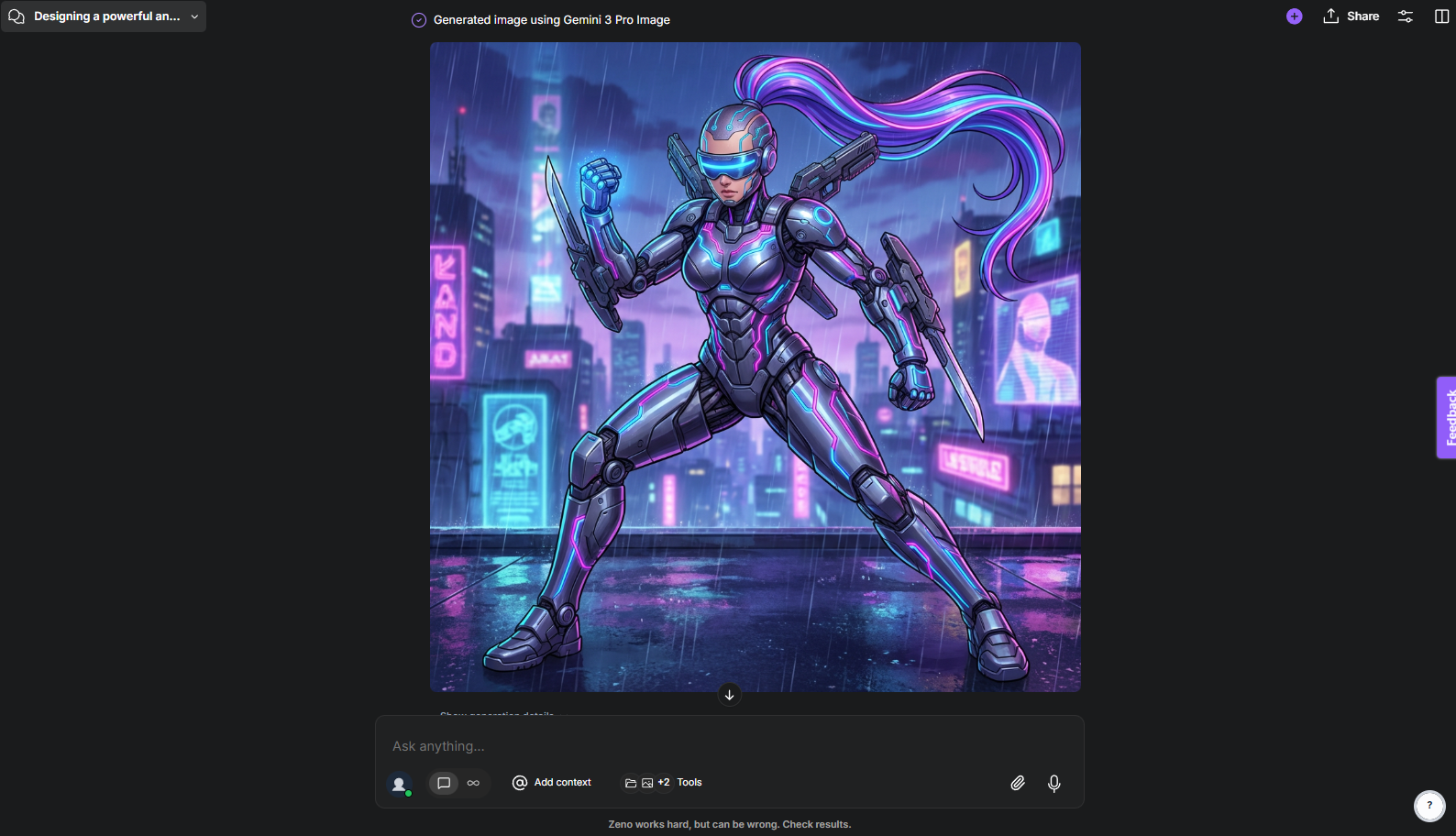
How to Access Gemini 3 Pro Image?
The most basic way to access the Gemini 3 Pro Image model is through Google AI Studio. Google AI Studio offers a free tier for experimenting with the Gemini 3 Pro Image model. If you intend to use the Gemini 3 Pro Image model for professional purposes, you can access it through Vertex AI Enterprise.
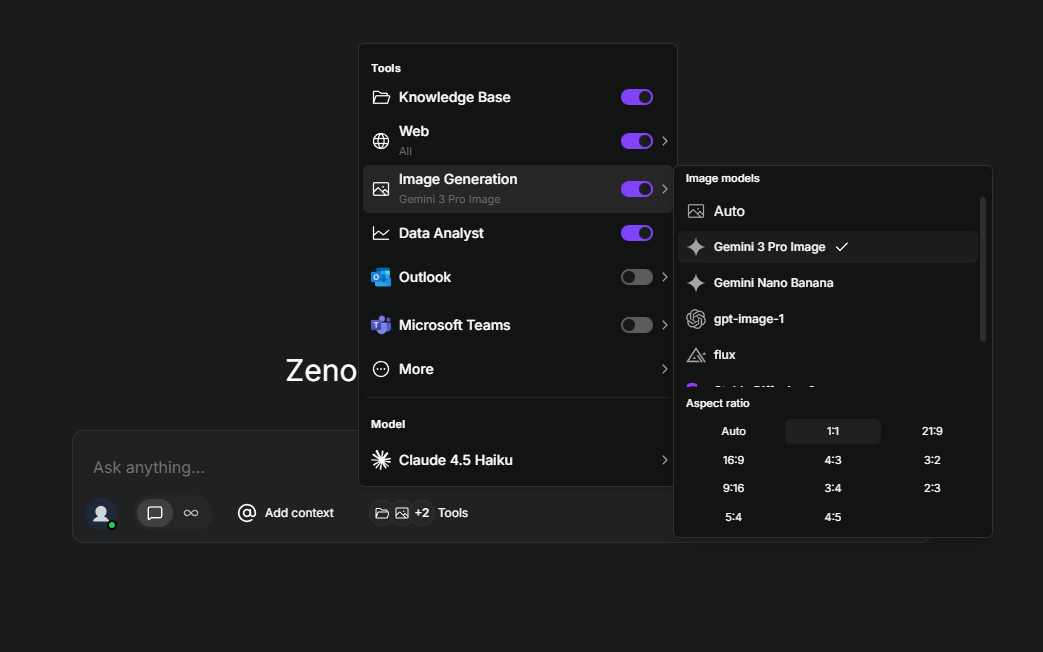
A more effective and conversational way to access the Gemini 3 Pro Image model is through TextCortex. TextCortex offers its users multiple AI image generator models, including the Gemini 3 Pro Image.
Gemini 3 Pro Image Features
The Gemini 3 Pro Image model offers users high-end features and capabilities. Let's discover the top features of the Gemini 3 Pro Image model.
1. Text Rendering / Image Spelling
The Gemini 3 Pro Image model has solved the biggest problem of AI models: rendering text into images. Most image generator models can lose parts of text, distort letters, or render text that is very different from what you intended. The Gemini 3 Pro Image model, however, understands the user's intent and spells the text they want to render into images with high consistency.
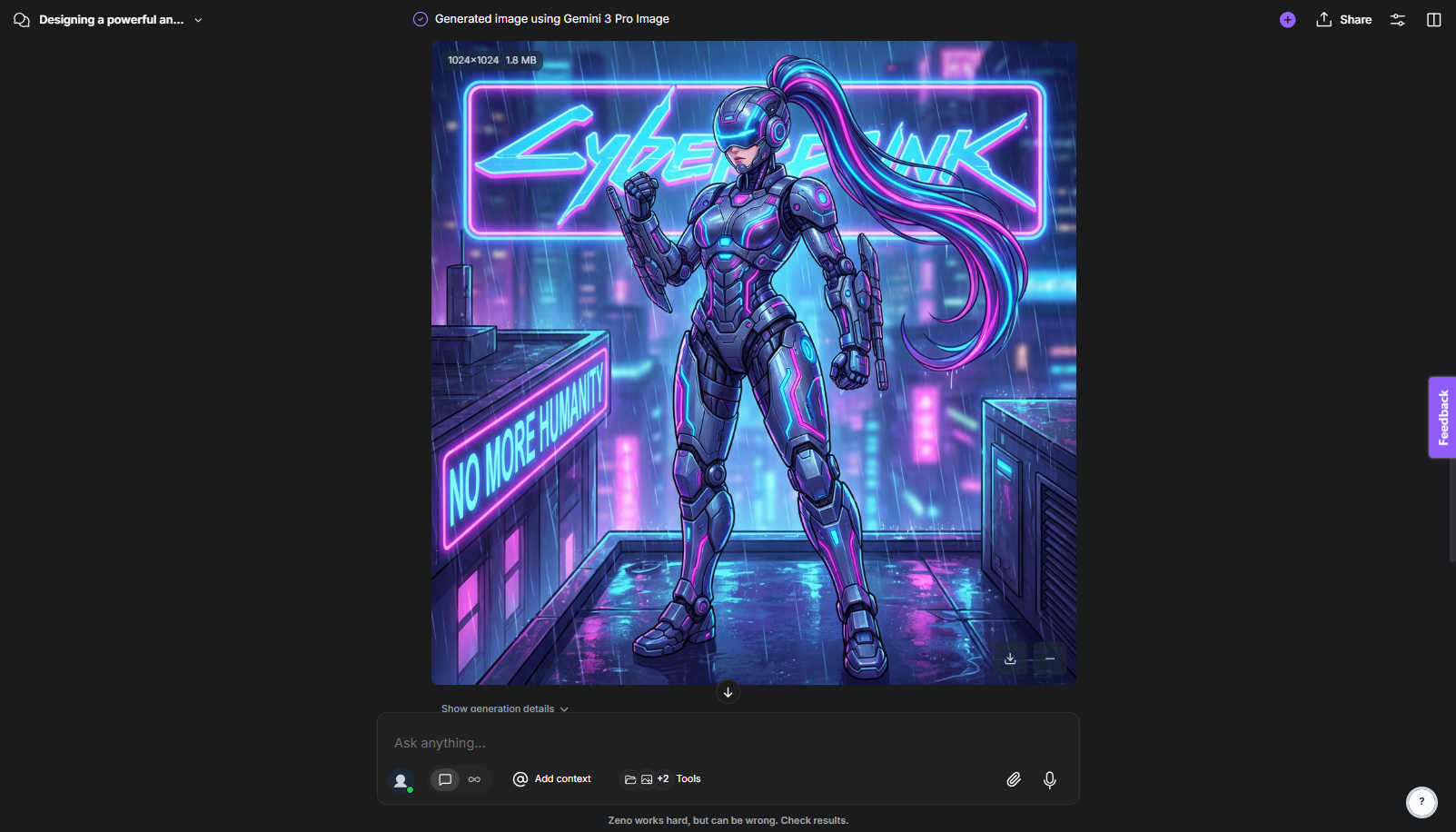
This means that the Gemini 3 Pro Image model is effective not only for generating simple images but also for visualizations such as charts and graphs, and for preparing presentations. If you want to make tasks like preparing presentations much faster, then the Gemini 3 Pro Image model is designed for you.
2. Physics-Based Reasoning
While AI image generator models use a pattern-matching approach to generate output, the Gemini 3 Pro Image model uses an engine that understands the laws of physics to generate output. Therefore, the Gemini 3 Pro Image model can realistically simulate the curves of glass, the reflection of light in water, or on metallic surfaces. Thanks to this feature, the Gemini 3 Pro Image model can visualize the materials of objects according to real laws of physics. Before starting the generation process, the Gemini 3 Pro Image model examines the physical laws of your prompt for a few seconds, determining materiality, physics, and light reflections, then starts to generate the image.
3. Google Search Data
The Gemini 3 Pro Image model can use the Google search engine database to gather physics information and prompt-related data before generating output. This allows the Gemini 3 Pro Image model to create a repertoire of real-world data, making its output more consistent and realistic. This feature also allows you to have the Gemini 3 Pro Image model generate charts and tables containing the latest news. The Google Gemini 3 Pro Image model both completes web searches and generates visual output with real data.
4. Multi-Step Process
The Gemini 3 Pro Image model doesn't generate the final output all at once; instead, it first creates two medium-quality sample images, compares them, identifies common mistakes, and uses the data from both images to refine the final output.
5. Context Window and Token Limits
The Gemini 3 Pro Image model has a maximum input token limit of 65,536 and a maximum output token limit of 32,768. This large context window allows for detailed, complex prompts that include multiple reference images, extensive descriptions, specific rules, and requirements. For professional use, if you want the final image to be as detailed as possible and include all the desired visual elements, a large context window will be useful.
6. Multimodal Input Support
The Gemini 3 Pro Image model accepts both text and images as input. Thanks to its large context window, you can upload up to 14 reference images per prompt, including up to 6 object images and 5 human images. If you want to maintain the same theme, people, and concept across multiple images, the Gemini 3 Pro Image model is designed for you.
7. Aspect Ratio and Resolution Options
The Gemini 3 Pro Image model offers a total of 10 different aspect ratio options between 1:1 and 21:9 formats. Additionally, with the Gemini 3 Pro Image model, you can generate outputs with 1080P, 2K, and 4K Ultra HD resolutions. If you need to generate images for tasks such as splash art, product images, cover designs, or marketing posters, the Gemini 3 Pro Image provides you with the resolution options you need.
TextCortex AI: Leverage Gemini 3 Pro Image
If you want to leverage a high-end AI image generator for your professional tasks by integrating the Gemini 3 Pro Image model into your enterprise workflow, TextCortex is the solution for you. TextCortex is a leading knowledge management and workflow automation tool that aims to reduce the workload of companies.
How to Use Gemini 3 Pro Image via TextCortex?
Using the Gemini 3 Pro Image model with TextCortex is a simple and straightforward process; here's how:
- Head to the TextCortex web application
- Start a new chat
- Select the “Gemini 3 Pro Image” model from chat settings
- Type your prompt
TextCortex analyzes even the simplest prompts of its users and automatically converts them into high-quality image generator prompts, allowing you to obtain the desired visual result.
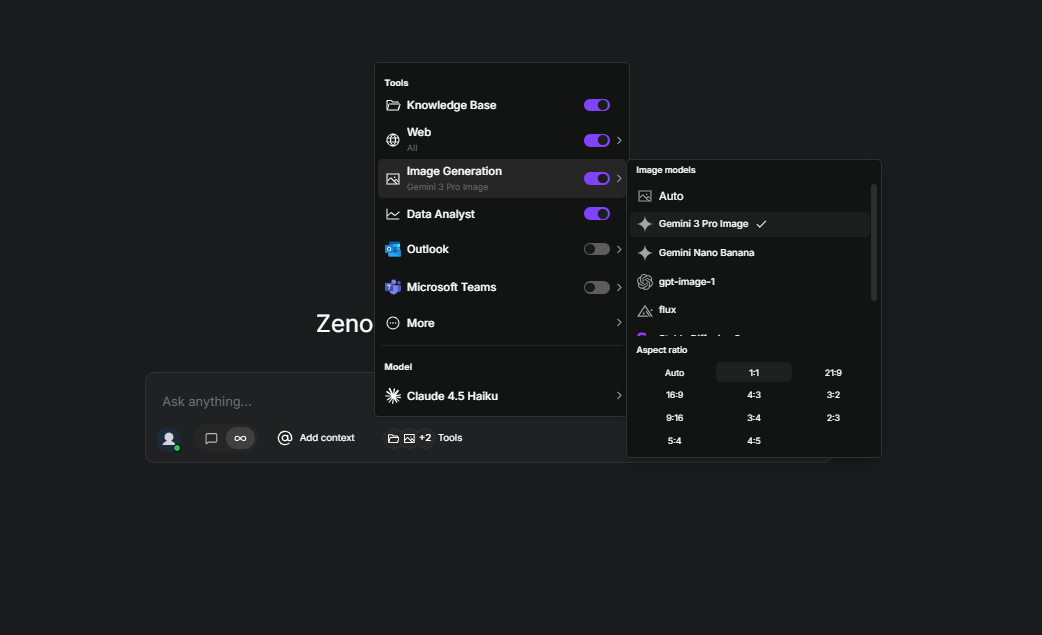
Additionally, when selecting a Gemini 3 Pro Image model with TextCortex, you can choose the image's aspect ratio and specify the resolution in your input.
Frequently Asked Questions
Can Gemini 3 generate images?
The Gemini 3 model can generate visual output with the Nano Banana image generator. However, the Gemini 3 model does not generate output with the Gemini 3 Pro Image (also known as Nano Banana Pro), which is one of the most advanced image generators.
What is Gemini 3 Pro Image?
Gemini 3 Pro Image is an advanced image generator model developed by Google that offers physics-based reasoning, image spelling, multi-step processing, and multimodal input support. Gemini 3 Pro Image is also known as Nano Banana Pro.
How many images can I make with Gemini Pro?
The Gemini Pro pricing plan allows users to generate up to 100 images per day with the Nano Banana model. However, with the Nano Banana Pro, you can only generate up to 3 images per day with the Gemini Pro.
.png)
.png)
.png)